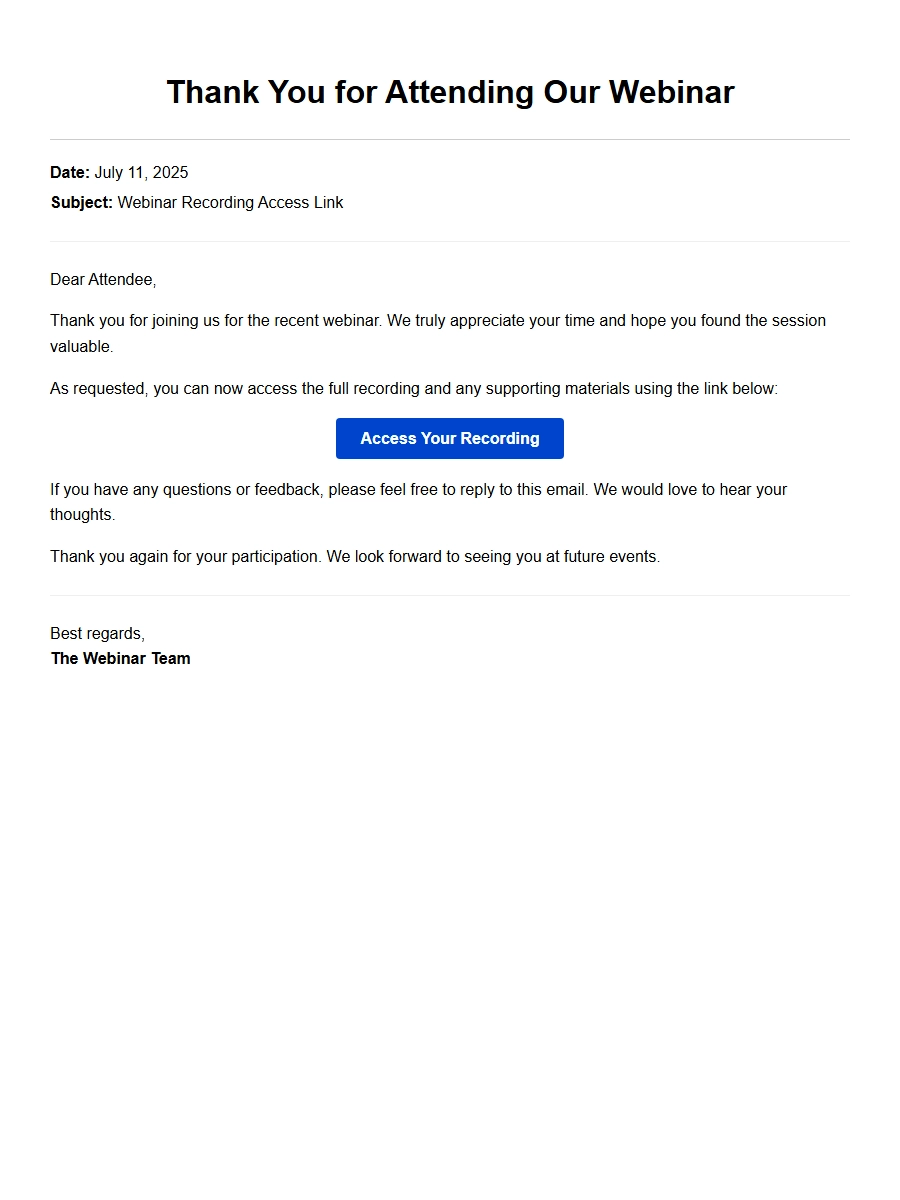
gratitude email for webinar recording access link - Thank-You Letters
You just attended a great webinar, and now you need the recording link. You send a quick request, and it arrives in your inbox. But then you stare at that blank reply field. What do you say? A simple “thanks” feels too short, but a full essay feels weird. You want to acknowledge their effort, maybe mention something you learned, and keep the door open for future connection. That’s where a solid gratitude email for webinar recording access link comes in. And yes, using a sample to guide you is not cheating — it’s smart. It saves you from overthinking the structure, tone, and closing. You just customize the personal bits and send.
Think of a sample as a skeleton. You add the muscle — your specific takeaway, the speaker’s name, the one insight that stuck with you. The best professional correspondence feels human, not templated. So grab a basic letter template, but treat it as a starting point. Your job is to make the recipient feel like you actually paid attention, not that you copy-pasted from a generic list.
Category: Professional Thank-You Emails
What to include in a gratitude email for a webinar recording link
Start with a clear subject line. Something like “Thanks for the webinar recording — loved the part on [topic].” That tells them you opened the link and you’re not just being polite. Then in the body, lead with genuine thanks. “Thanks so much for sending the recording. I missed the live session, so this is a huge help.” That’s enough. You don’t need to over-explain.
Next, add a specific observation. “The section on customer onboarding really clicked for me — I’m going to try that workflow next week.” That little detail shows you watched (or will watch) and that the content was useful. It also gives the sender a warm feeling, like their work mattered. Avoid vague praise like “great webinar.” Be specific. Even one sentence works.
Adapting a sample without losing your voice
When you borrow a letter structure, don’t copy every word. Read it aloud. Does it sound like you? If not, swap formal phrases for natural ones. For example, instead of “I wish to express my sincere appreciation,” write “I really appreciate you sharing this.” Your tone in writing should match the relationship. If the webinar host is a colleague you know, be casual. If it’s a stranger whose course you bought, be a notch more formal. The same sample can flex both ways — just adjust the salutation and closing.
Common mistake: using outdated salutations like “To whom it may concern” in an email. Overkill. “Hi [name]” or “Hello [name]” works fine. Also, remember that a digital letter format doesn’t require your full address at the top. Just your name and maybe your job title after the closing.
When to send this email — and how to format it
Send it within 24 hours of receiving the link. That keeps the webinar fresh in your mind and shows eagerness. In the email, keep paragraphs short. Nobody wants to read a wall of text. Use line breaks generously. If you’re mentioning multiple takeaways, one per paragraph is fine. And always proofread. A typo in a thank-you note undercuts the sincerity.
One big one: not mentioning the webinar by name or topic. If you write “thanks for the recording,” and they sent recordings of three webinars last week, you look lazy. Be specific. Another error: using a generic closing like “Best regards” when “Thanks again” feels warmer. Also, avoid attaching a signature with a huge logo or link-heavy footer — it distracts from the thank-you itself. Keep it clean.
Use the sample as a springboard, not a crutch
After you write a few of these emails, you’ll notice the process gets faster. You’ll know what feels right. The sample helps you start, but your own words carry the real weight. The best professional correspondence — whether it’s a gratitude for conference room booking confirmation or a follow-up after a meeting — strikes that balance between structure and personality. So go ahead, open that sample, tweak it, and hit send. You’ll be glad you did.
Templates and Samples
gratitude email for webinar recording access link - Thank-You Letters
Quick Thank You for Webinar Recording
Dear [First Name],
Thank you for promptly sending the link to the webinar recording. I have already watched the first few minutes and am impressed by the clarity of the presentation.
Having on-demand access means I can review the slides and examples at my own pace, which is incredibly helpful for my current project.
Here are the access details for my reference:
Recording Link: [URL provided]
Webinar Title: [Event Name]
Date Recorded: [Date]
Duration: 45 minutes
Again, I truly appreciate your quick support. This resource will be invaluable for my team.
Sincerely, [Your name]
Grateful for On-Demand Access
Hello [Host Name],
I just received the link to the webinar recording and wanted to say a heartfelt thank you. Because of time zone conflicts, I was unable to attend the live session, so this recording is a perfect solution.
I appreciate that you made the replay openly available—it shows a true commitment to your audience.
For clarity, here is the link I received:
Resource
Details
Recording URL
[Insert link]
Expiry Date
30 days from today
I plan to watch it this weekend and will share any key takeaways with colleagues who missed it. Thanks again for your generosity and for making learning accessible.
Best regards, [Your name]
Appreciation with Session Highlights
Dear [Speaker Name],
I am writing to thank you for providing the webinar recording link. Your session was extremely insightful, and I am glad I can now revisit the content.
A few highlights I noted during my first viewing:
New strategies for client engagement (around minute 12)
The three-step framework for automation (minute 28–35)
Q&A segment on data privacy (minute 40)
Your ability to explain complex topics in simple terms is remarkable. I have already started applying one of the techniques and am seeing positive results.
Thank you again for sharing the recording—it extends the value of your webinar far beyond the live event. I look forward to future sessions.
Warm regards, [Your name]
Thank You – Missed Live? No Problem
Hi [Organizer],
Thank you so much for sending the webinar recording link. Unfortunately, a client meeting ran over, and I missed the live broadcast. Your prompt email with the replay saves the day.
I especially appreciate the way you structured the email: clear subject line, direct link, and a short summary of what to expect.
Here is what I noted from the email for easy reference:
Link: [URL]
Password: [If applicable]
Support contact: [Email]
I will watch the recording before our next internal meeting so I can share insights with the team. Once again, thank you for making the content available on-demand.
Kind regards, [Your name]
Personal Thank You to Speaker
Dear [Speaker Name],
I cannot thank you enough for personally sending me the webinar recording link. Your generosity in sharing your expertise is inspiring.
Watching the replay, I was struck by your candid examples and the genuine passion you bring to the subject. It is rare to find speakers who not only teach but also connect with the audience on a human level.
I have attached a short list of my key takeaways:
How to reframe challenges as opportunities
Practical templates for goal setting
Recommended readings you mentioned
Thank you again for this gift of knowledge. I will definitely put it to good use and cite your work where appropriate.
With gratitude, [Your name]
Team Thank You for Webinar Recording
Dear [Webinar Team],
On behalf of my entire department, I would like to express our sincere gratitude for granting us access to the webinar recording. Several colleagues who could not attend are eager to catch up.
We have set up a shared folder to compile notes and action items. Here is the schedule we plan to follow:
Team Member
Watch Date
Role
Alice
Monday
Note taker
Bob
Wednesday
Discussion lead
You & Me (group)
Friday
Debrief meeting
We believe this recording will accelerate our current projects. Thank you for making it easy to share knowledge across our team.
Best, [Your name]
Thank You with Action Items List
Hello [Host],
Receiving the webinar recording link was the highlight of my day. I have already watched it once and plan to go through it again to capture all details.
Based on the content, I have identified the following action items for myself:
Implement the email segmentation strategy within two weeks
Test the new A/B testing framework from the demo
Share the recording link with two colleagues who would benefit
Thank you for providing such a rich resource. The recording is well-edited and easy to navigate, which speaks volumes about your professionalism.
I appreciate your commitment to continuous learning and look forward to your next event.
With thanks, [Your name]
Gratitude for Exclusive Content
Dear [Organizer],
Thank you for the exclusive access to the webinar recording. I understand that this content was originally offered only to live attendees, so I am especially grateful that you extended it to registrants who could not join.
The recording covers advanced techniques that are directly applicable to my work, and I have already marked several timestamps to revisit.
Here are the resources mentioned in the email:
Recording Link: [URL]
Bonus PDF: Included as attachment
Private Community: Invitation pending
Thank you for valuing your audience enough to provide such high-quality follow-up. It makes a huge difference.
Sincerely, [Your name]
Thank You – Sharing with Colleagues
Hi [Contact Name],
I just received the webinar recording link and want to say a big thank you. I am already planning to share it with my colleagues who work remotely and could not attend the live session.
Your email made sharing easy—I simply forwarded the link with a short intro. The team is excited to dive into the content.
To keep track, here is a quick table of who will watch it:
Name
Status
Expected Completion
John
Will watch today
Today
Maria
Will watch on commute
Tomorrow
Thank you again for making the recording available—it fosters a culture of continuous learning within our organization.
Best regards, [Your name]
Follow-up Thank You and Next Steps
Dear [Speaker Name],
I am writing to thank you for the webinar recording link and to share my enthusiasm for the content. Your presentation has sparked several ideas that I plan to implement immediately.
As a next step, I would like to schedule a brief call with your team to discuss potential collaboration. Would next Tuesday work?
Here is a recap of the value I gained:
Clear strategies for customer retention
Practical checklist for onboarding
Your recommended reading list
Thank you for being so generous with your knowledge. I look forward to putting these insights into action and staying connected.
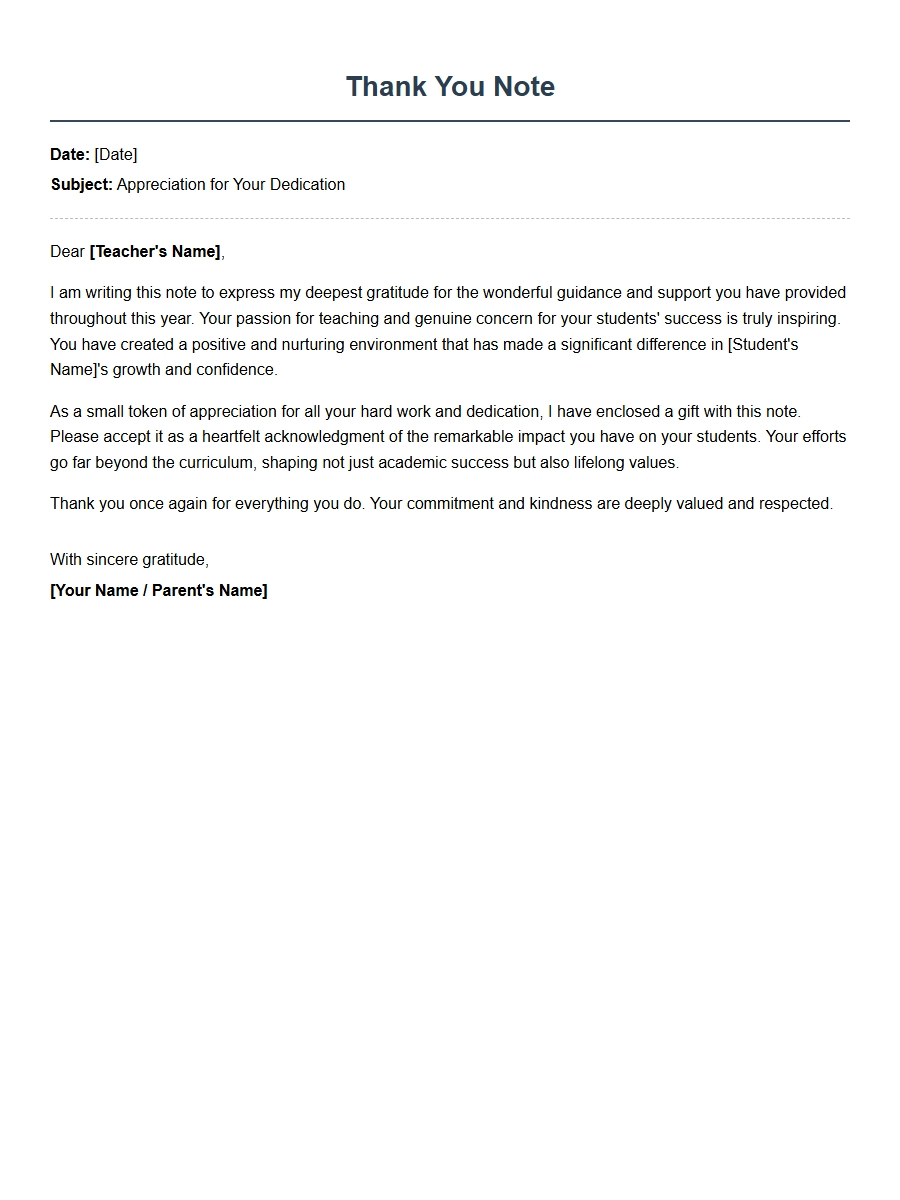 Sample Thank You Note for Teacher Gift
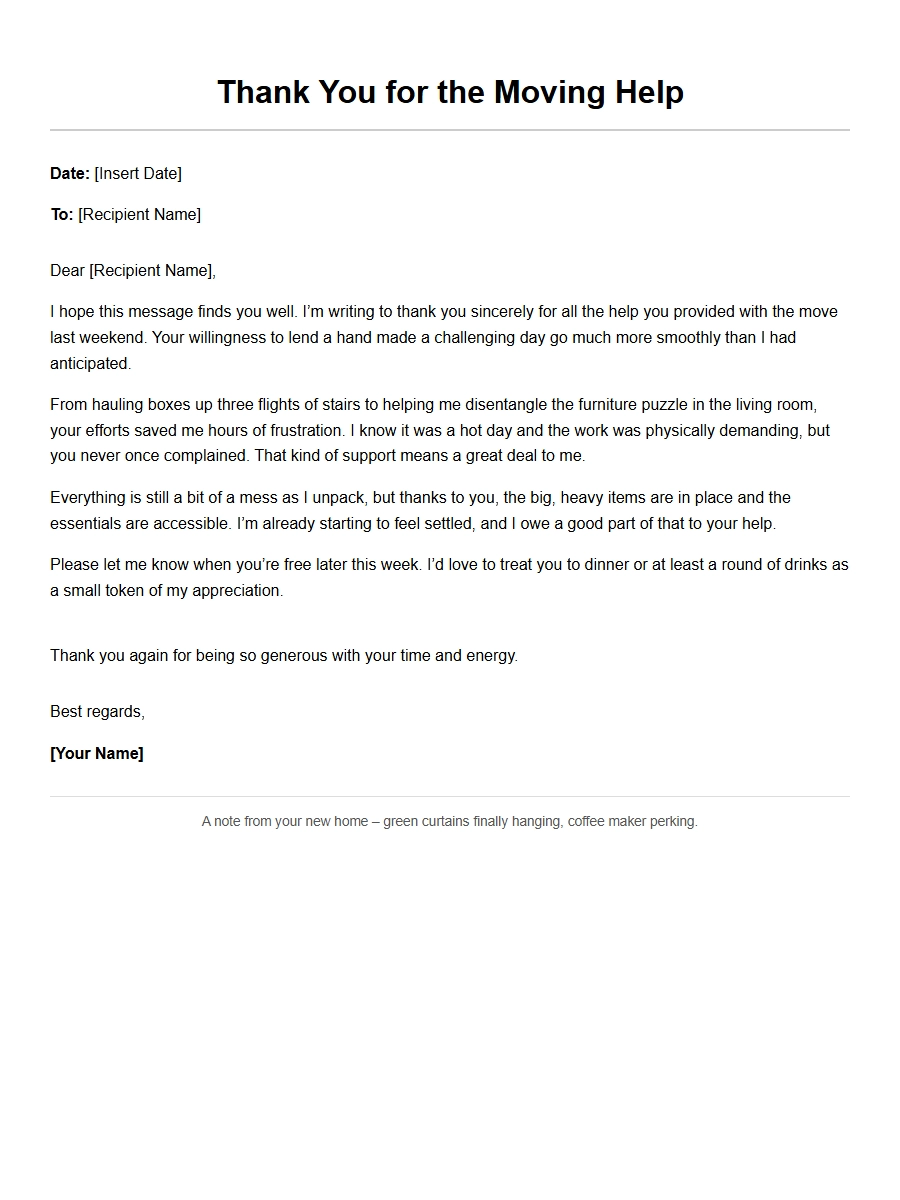 Thank-You Letter for Help with Moving
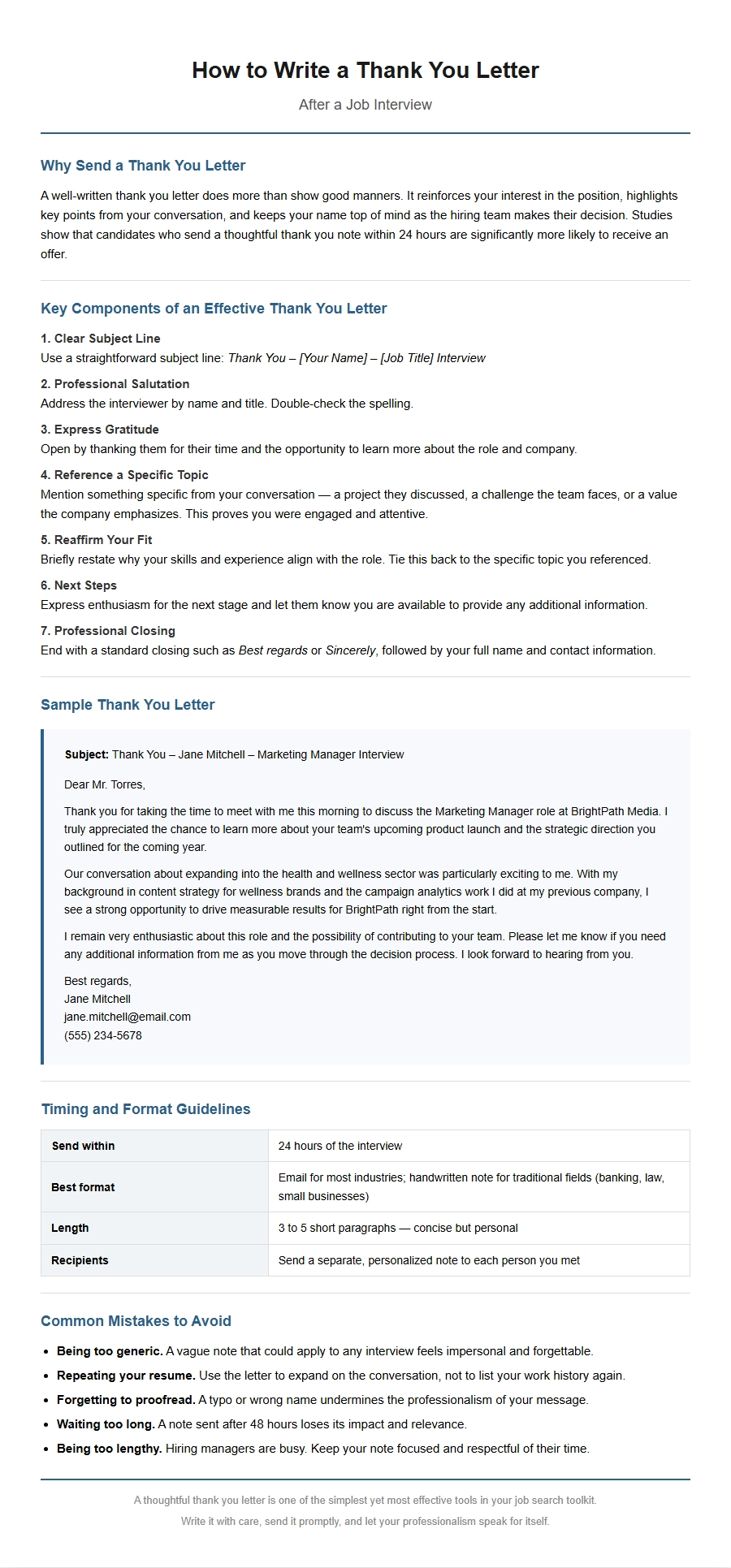 How to Write a Thank You Letter After an Interview
 professional thank you email example for client - Thank-You Letters
 Business Mentor Thank-You Letter Guide
 Thank You Letter for Sponsor Donation