You’ve confirmed a guest speaker, everyone’s excited, and then a text comes in: their ride is stuck in traffic. Or worse, their flight got delayed. Now you need to send a quick, clear message about the transport delay without sounding frantic or blaming anyone. It’s a tight spot, but a solid example can turn that anxiety into a few calm sentences.
Using a message sample isn't cheating—it's a shortcut
When you’re under pressure, your brain tends to freeze. That’s where a well-written sample helps. It gives you a ready-made structure, the right tone (polite but direct), and key phrases that acknowledge the problem without over-apologizing. You just fill in the specifics. It’s the same smart strategy professionals use for handling unexpected issues in formal correspondence. The sample is a template, not a script. You still make it yours.
What to say when a speaker’s transport is delayed
The core of your message needs three things: a clear statement of the delay, a new estimated arrival time (if you have one), and a calm reassurance that the event plan is adjusting. Avoid long explanations about traffic or weather. The recipient cares about "when" and "what now."
For example: “Hi Dr. Chen, just a quick update—your driver hit unexpected traffic on the highway. Current ETA is 15 minutes past the original time. We’ll shift the Q&A segment to start, so no pressure. Let me know if you need anything.” That’s it. Short, specific, and respectful.
Adapting the tone for different situations
If the delay is longer, say half an hour or more, you’ll want to acknowledge the inconvenience more directly. A formal statement for a financial error uses careful language to accept responsibility—same principle here. You’re not at fault for the delay, but you’re taking ownership of the communication. A sample for a formal conference might read: “We sincerely apologize for the disruption. Your driver has been rerouted, and we expect arrival by 10:45. We will adjust the schedule accordingly.”
For a more casual event, like a lunch-and-learn, you can drop the formality: “Hey Mark, running a bit late—traffic is brutal. We’ll stretch the networking time up front. No rush.” Match the tone to the event’s culture.
Common mistakes that make the situation worse
The biggest error is over-explaining. “The driver hit construction, then a detour, and the GPS didn’t update…” That much detail doesn’t help anyone. Stick to facts: what happened, when they’ll arrive, how you’re adjusting. Another mistake is using outdated salutations like “Dear Sir” in an email. It feels stiff. A simple “Hi” or “Hello [Name]” works for 90% of professional situations today.
Also, don’t forget the format. If you’re sending via text or messaging app, keep it short. No letterhead needed. If it’s an email to a coordinator or organizer, a structured update like you’d send for a ticket status can include a clear subject line: “Updated arrival time for Dr. Chen.”
A quick tip for the opening line
Start with the delay itself, not a fluffy greeting. “Hi, just letting you know about a change in transport.” That’s direct and honest. Then immediately offer the adjusted timing. The speaker wants to know: what’s different, and do I need to do anything? Answer those questions in the first two sentences.
Proofreading the small stuff
Before you hit send, check the time. Did you use “15 minutes late” when you meant “30”? That’s a common slip. Also double-check if you’re addressing the speaker or their assistant. A message meant for the assistant might have more logistics (“Pick up at door C instead”), while the speaker’s message should be crisp and avoid operational details. A quick proofread prevents confusion.
Using the message as a springboard, not a crutch
Samples are great for starting, but the best messages feel human. Add your event’s specific details—like which segment you’re delaying or who’ll greet them at the new time. That personal touch shows you’re paying attention. Over time, you’ll get faster at writing these on the fly. For now, keep a couple of go-to samples bookmarked. They’ll save you from staring at a blank screen the next time a car breaks down or a flight gets delayed.
Examples You Can Adapt
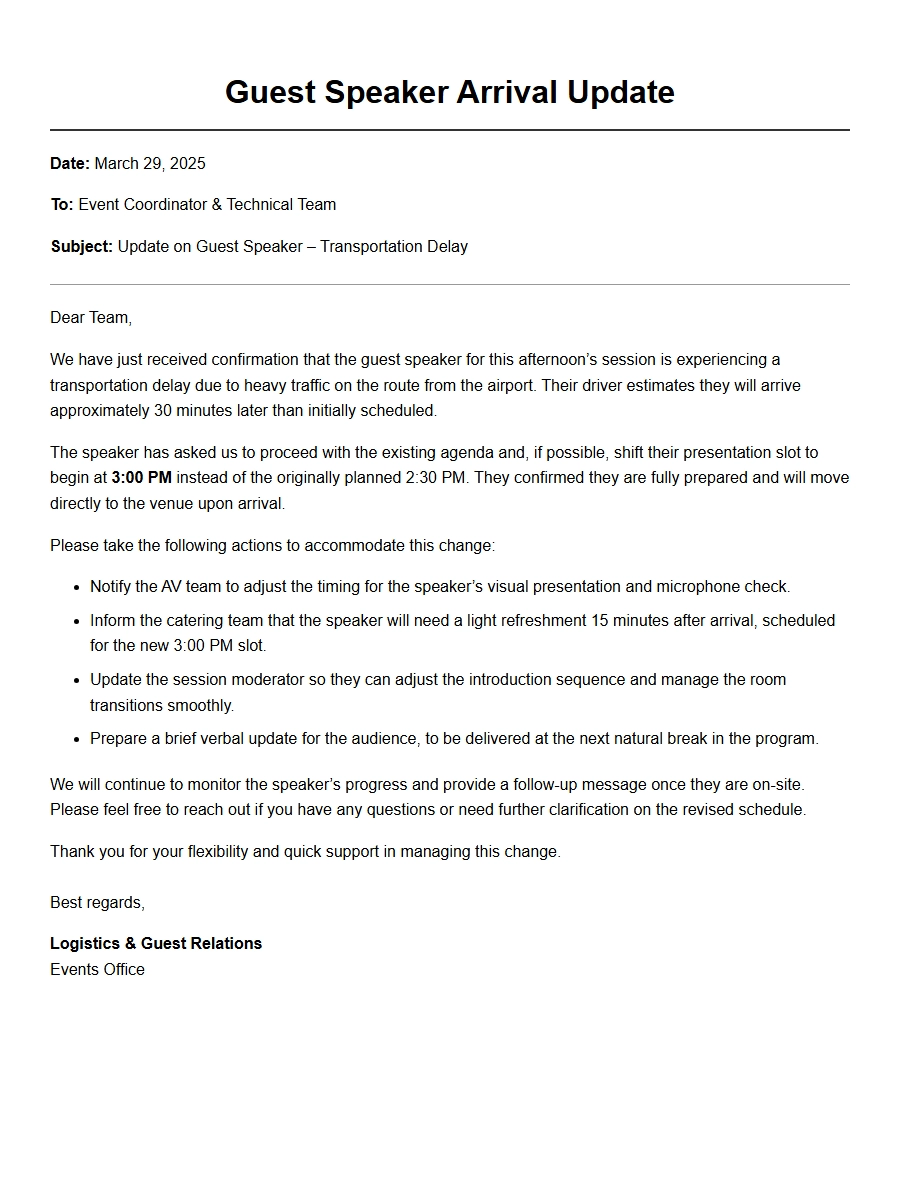
Apology for Guest Speaker Transport Delay
Formal Email Apology to Guest Speaker
Subject: Sincere Apologies for Transport Delay
Dear Dr. Chen,
On behalf of the organizing committee, I deeply apologize for the transportation delay you encountered this morning. We understand that your scheduled pickup was late due to an unanticipated traffic incident on the main highway. Please accept our heartfelt regret for any inconvenience this caused.
Details of the Delay:
Item
Details
Planned Pickup Time
8:30 AM
Actual Arrival
9:15 AM
Delay Duration
45 minutes
Reason
Major road accident
To compensate, we will extend your session by 10 minutes and provide an upgraded hospitality package. Our team will ensure punctual transport for your return trip. Please let us know if you need any further assistance. We value your contribution to our conference and hope to restore your confidence in our arrangements.
Sincerely, Sarah Lin Event Coordinator
Brief SMS to Guest Speaker
Dear Prof. Rajan,
Our driver encountered unexpected roadworks and will be delayed by about 20 minutes. We sincerely apologize for this transport issue and the disruption to your schedule. Your safety is our priority. We will update you when the car arrives. As a gesture of apology, we have arranged complimentary refreshments at the venue lobby. Thank you for your understanding.
Updated Pickup Time: 9:50 AM
Warm regards, Event Team
Apology from Event Organizer to Speaker Agent
Re: Regret regarding guest speaker pickup
Dear Ms. Thompson,
Please convey our sincere apologies to Professor Okafor for the transport delay upon his arrival. Our contracted car service failed to track the flight status accurately, resulting in a 35-minute wait. We take full responsibility.
Incident Summary:
Flight landed at 14:20
Driver arrived at 14:55
Root cause: miscommunication of terminal change
We have already addressed this with the provider and will implement a two-step confirmation process for future events. As compensation, we will upgrade the speaker’s accommodation and offer a complimentary dinner. Please rest assured that his lecture slot remains unchanged and we will ensure timely transport from hotel to venue tomorrow.
We value your partnership and apologize again for the oversight.
Best regards, James Wang Events Director
Personal Letter to Speaker from Committee Chair
Dear Professor Kovács,
I write with deep regret regarding your experience this morning. The shuttle arranged for your transfer from the airport was delayed by almost an hour due to a miscommunication between our logistics team and the transport company. This is unacceptable, and I offer my sincere apologies on behalf of the entire conference committee.
Let me assure you that the driver responsible for your current booking is standing by. We have revised our internal protocols to prevent recurrence. As a token of our apology, we have prepared a special welcome basket and a priority seating arrangement for your evening session.
Compensation Summary:
Upgraded room with business lounge access
Complimentary spa voucher
Personal escort for all remaining transfers
Thank you for your patience. We look forward to your inspiring keynote.
Yours sincerely, Dr. Maria Santos Conference Chair
Apology to Speaker with Revised Schedule
Dear Dr. Anwar,
We are truly sorry for the transport delay that affected your arrival this morning. A mechanical failure in the assigned vehicle caused a 30-minute lag. Our team immediately dispatched a replacement, but the interruption is regrettable.
To accommodate this, we have adjusted the program slightly:
Original Time
Revised Time
Activity
10:00
10:15
Your workshop start
11:30
11:45
Q&A session
Your speaking slot remains full duration. We have also instructed the hotel to serve a light breakfast in your room. Please accept our apologies and know that we have taken steps to ensure reliable transport for the rest of your stay. Our coordinator will check on you shortly before the session.
With regards, Lee Cheng Session Manager
Formal Apology for VIP Guest Speaker
Confidential: Regarding transport delay for Ambassador (ret.) Vasquez
Dear Ambassador,
I extend my profound apologies for the delay in your transportation this afternoon. Our security escort encountered a last-minute route blockage, causing an unforeseen 25-minute hold-up. We understand the importance of punctuality for a person of your stature and again express our regret.
Please find below the measures taken immediately:
Dedicated liaison officer assigned for all future movements
Real-time GPS tracking shared with your assistant
Alternative route plan prepared for the next engagement
We also offer a donation of $5,000 to your designated charity as a sincere gesture. Your scheduled meeting with the Vice Chancellor will proceed as planned; we have adjusted the welcome formalities to ensure you have ample time to prepare.
Respectfully, Dr. Elizabeth Moore Chief Protocol Officer
Apology to Speaker via Internal Note (Team Copy)
Internal memo – Action required
Hi all,
This note is to formally document our apology to guest speaker Prof. Nakamura regarding the transport delay from the hotel to the venue this morning. The hotel shuttle was 40 minutes late due to a scheduling error.
Key points already communicated:
Full apology delivered in person by the lead host
Complimentary meal voucher provided
Dedicated driver arranged for remainder of stay
Please ensure tomorrow’s pickup is confirmed by 8:00 PM tonight. Let’s avoid any recurrence. Attached is the speaker’s contact in case of further adjustments.
Thank you for your prompt attention.
Best, Olivia
Apology for Multiple Transport Issues
Dear Dr. Mehta,
We sincerely apologize for the two transport delays you experienced yesterday and today. The first was due to a mix-up in the car assignment; the second occurred when the driver missed the exit. This is not the standard we set for our guest speakers, and we are deeply embarrassed.
Summary of incidents:
Date
Delay
Reason
June 10
20 min
Wrong car model sent
June 11
35 min
Navigational error
We have already replaced the transport provider for your remaining engagements. As compensation, we will waive your accommodation costs and provide a premium gift certificate. Our team will personally escort you to every event going forward. We value your expertise and hope you will accept our sincere regrets.
Warmly, Rebecca Tan Operations Lead
Short Apology with Immediate Remedy
Dear Professor Lee,
Our sincere apologies for the 15-minute delay in your airport pickup. The driver encountered unexpected traffic from a local marathon. Your comfort is our priority, so we have arranged an express check-in at the hotel and a private lounge for you to relax before the evening reception. Your session start time remains unchanged. Should you need anything further, please reply to this message. We greatly appreciate your understanding.
Current transport status: En route to hotel – ETA 5 minutes.
Thank you, Conference Hospitality Team
Apology from Event Sponsor for Transport Glitch
Dear Ms. Chang,
On behalf of our company, I apologize for the transport delay you faced when traveling from the airport to the keynote venue. As the primary sponsor, we take full responsibility for the miscommunication between our hired chauffeur service and the front desk. The 20-minute delay is regrettable, and we have already addressed the issue with the provider.
Corrective actions taken:
Direct contact number shared with driver and your assistant
Backup vehicle on standby at all times
Additional $200 honorarium as apology
We are honored to have you as a speaker and want your experience to be flawless from now on. Please accept our genuine regret.
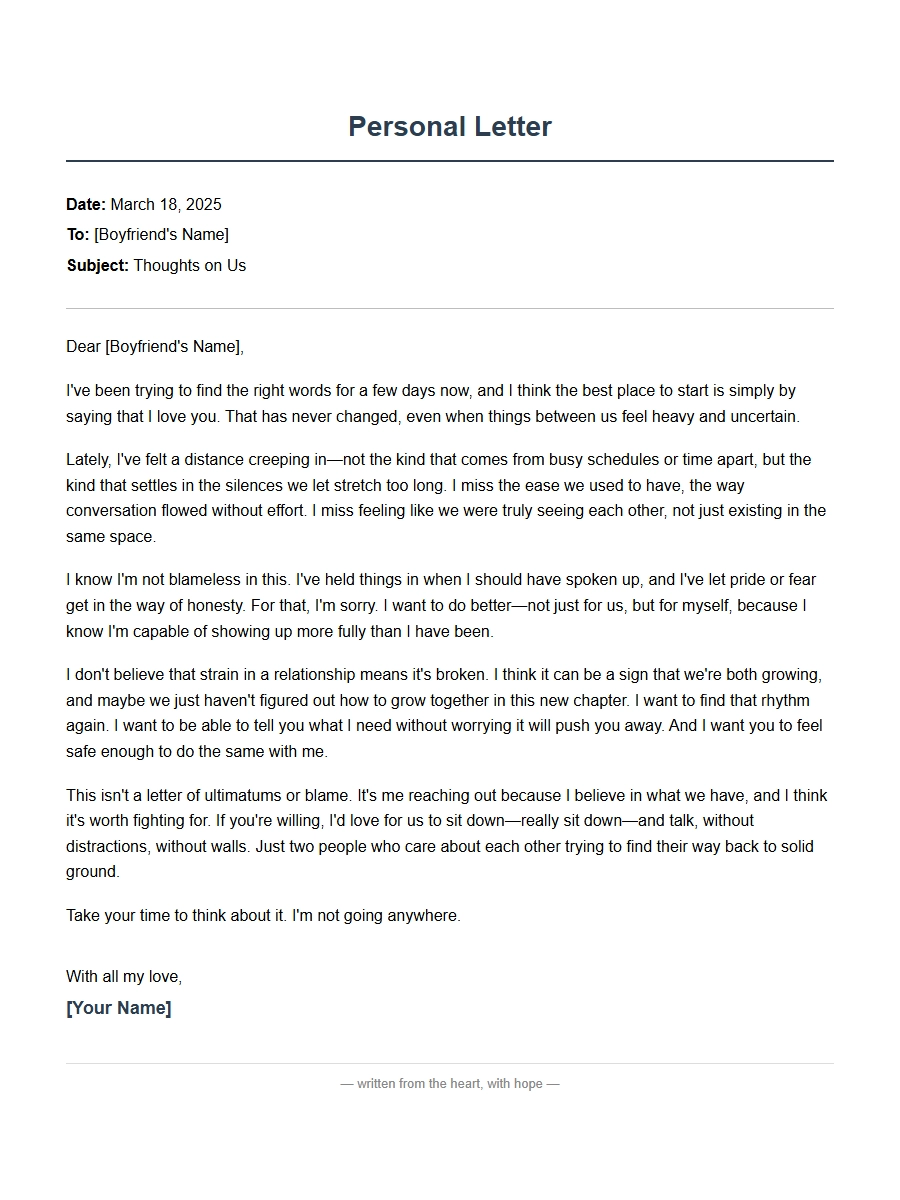 Personal Apology Letter for Boyfriend Relationship Strain
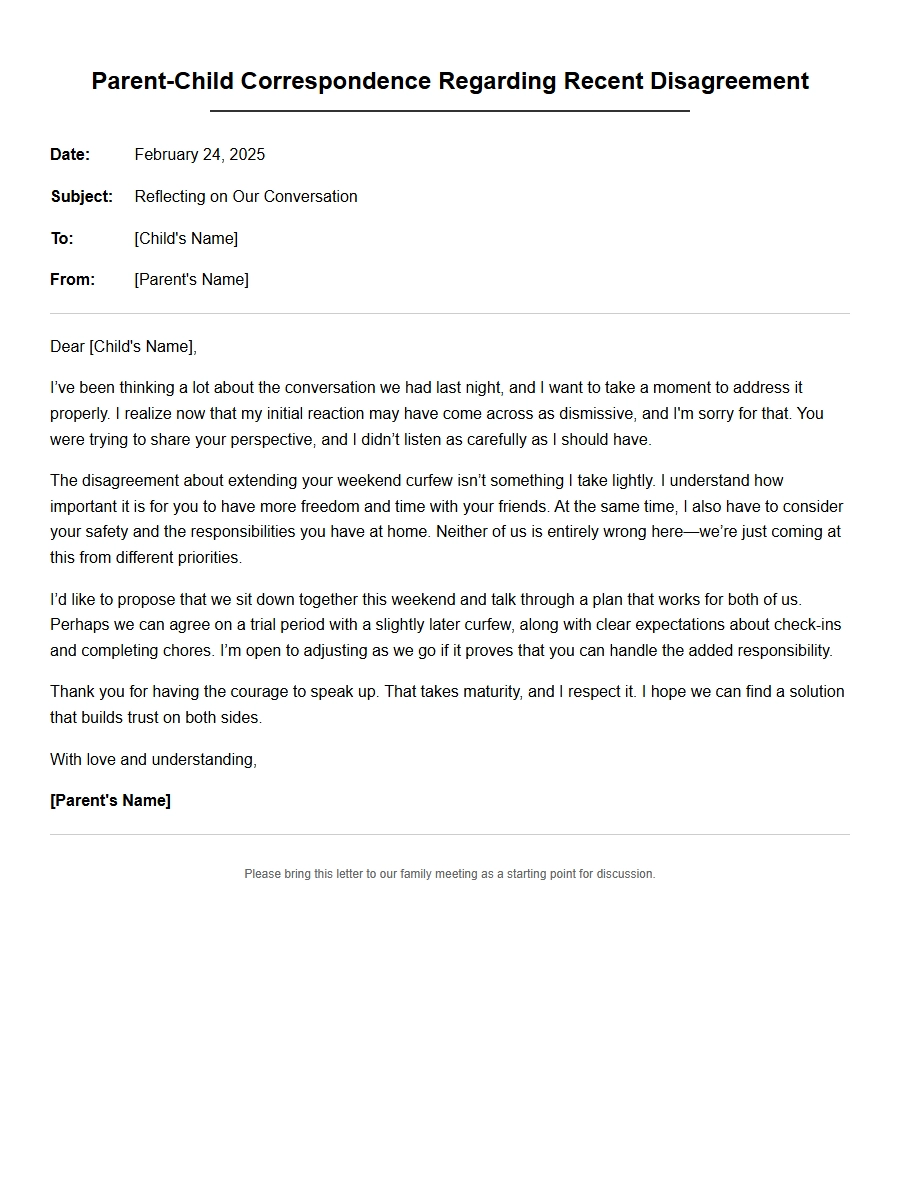 Apology Correspondence for Parent-Child Disagreements
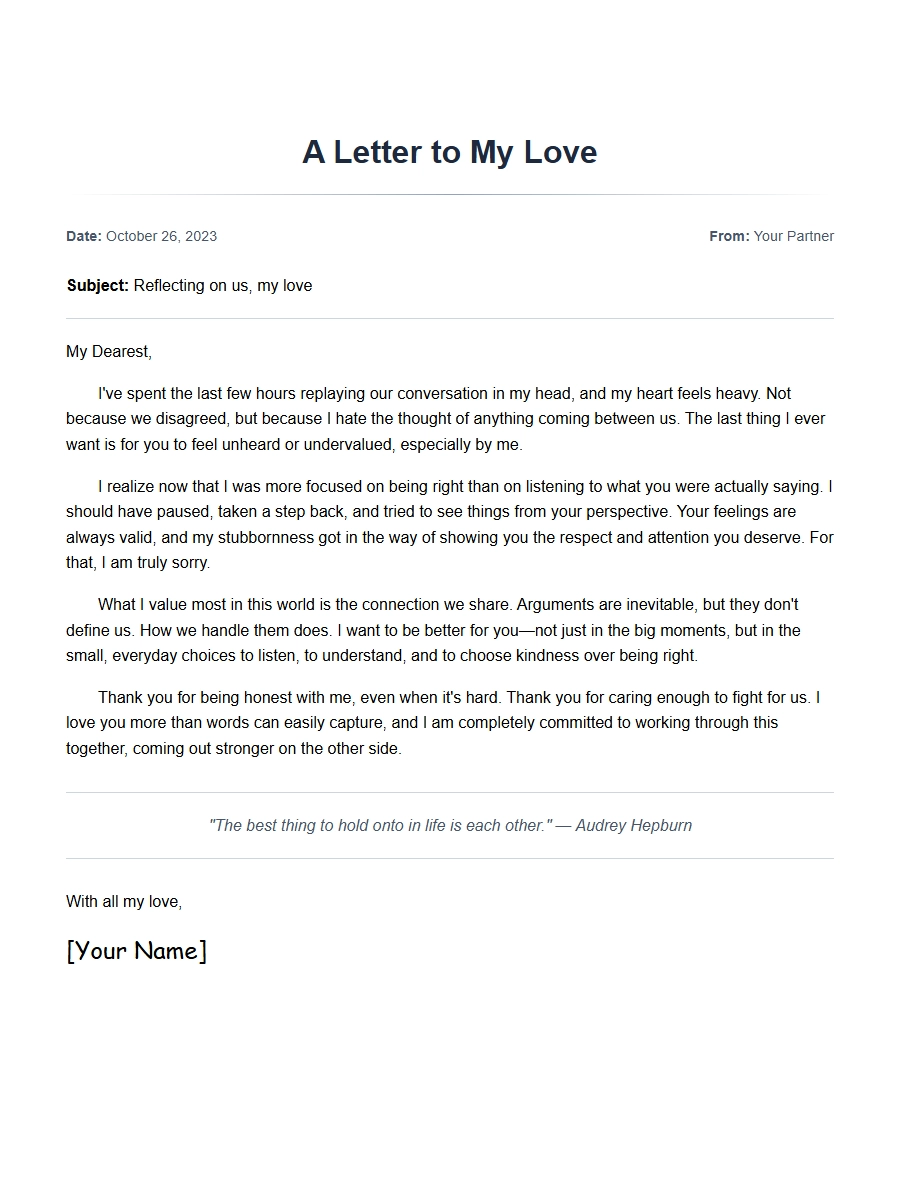 Apology Message for Girlfriend After Argument
 note for friend stealing item - Apology Letters
 Apology to Boss for Micromanagement Complaint
 Apology Document for Vendor Supply Chain Issue