Apology Letter for Technical Support Ticket Status
Staring at a blank support ticket update when customers are waiting for news can feel surprisingly stressful. You know the status, but finding the right words to explain a delay or a resolution without sounding robotic or defensive takes effort. A clear, professional letter for technical support ticket status turns that vague anxiety into a message that builds trust, not confusion.
Using a sample isn’t cheating. It’s a smart shortcut that gives you a solid letter structure and the right professional tone, so you can focus on what matters: the specific details of the ticket. A good template provides the business letter format and key phrases, but you still get to personalize the message to match your company’s voice and the customer’s situation.
What makes a good status update letter?
At its core, this letter is about acknowledging the customer’s wait and giving them a clear, honest picture of where things stand. The best ones avoid vague statements like “we’re working on it.” Instead, they explain the current step in the process, set a realistic expectation for the next update, and offer a direct way to ask for more details.
For example, a strong update might say: “Your ticket (#4521) for the database sync error is now in our engineering queue. We’re testing a fix today and will have a confirmed resolution timeline by tomorrow morning.” That’s specific. That’s helpful. That respects the customer’s time.
How to choose the right format for your update
Think about where this letter will be read. A digital letter format sent through a ticketing system might be shorter and less formal than a printed letter sent to a corporate client. For a standard email update, use a clear subject line like “Update on Support Ticket #1234” and keep your paragraphs short. If you’re sending a formal written notice, you might include your company’s letterhead design and a more traditional salutation and closing.
A common mistake here is using the wrong tone. A casual “Hey! Just a quick heads up” works for some SaaS products, but it feels dismissive in a legal or financial software context. Match your tone to your audience. When in doubt, lean slightly more formal. You can always loosen it up later.
Category: Professional Correspondence
Adapting a template without losing your voice
You’ve found a decent sample. Now what? Don’t just copy-paste. Read the sample out loud. Does it sound like your company? If it uses jargon you never use, swap it out. If the opening feels too stiff, rewrite it to sound more natural. The goal is a customizable letter that feels like it came from a real person.
Start with the opening paragraph. State the ticket number, acknowledge the wait, and immediately give the current status. Avoid starting with apologies unless you’re actually late on a deadline. For example: “This is a status update for your recent request regarding the server migration issue. Our team has completed the initial analysis and is now preparing the configuration changes.”
If you’re writing a letter of recommendation for a colleague’s technical skills, the structure shifts—you’d focus on their specific contributions to resolving support tickets. But for a status update, keep the focus tightly on the ticket itself.
Common mistakes that hurt your credibility
Ever received a letter that felt too stiff or too casual? That’s a tone mismatch. Another big one is ignoring the medium. If you’re updating a ticket via email, don’t use printed letter formatting. Skip the full address block. Just use a friendly salutation and a strong subject line.
Also, avoid outdated salutations like “To Whom It May Concern” for an existing customer. You know their name. Use it. And always leave room for letter writing etiquette: proofread for typos, check the ticket number, and make sure any links to documentation actually work.
For more specific apology scenarios, you might find these templates useful:
The first two sentences determine whether the customer reads on or skims. Don’t bury the lead. State the status upfront. “Your ticket is currently with our senior engineers. We expect to have a fix ready by Thursday.” That’s direct and reassuring.
If you’re waiting on the customer for more information, say that clearly too. “We need log files from your last session to proceed. Could you upload them through the portal? That will let us move to the next step faster.” This turns a passive status into a collaborative action.
And remember, the best letters feel both professional and personal. Use the template as a springboard, not a crutch. Every time you write one of these updates, you get a little faster, a little more natural. That’s the goal. Keep practicing. Your customers will notice the difference.
Samples You Can Use
Apology Letter for Technical Support Ticket Status
Apology for Delayed Response on Support Ticket
Date: 2025-03-21
Ticket ID: TKT-4521
Customer Name: Sarah Chen
Dear Sarah,
We sincerely apologize for the delayed response to your support ticket regarding the login issue. Our team experienced an unexpected surge in support requests, which caused your inquiry to be overlooked. We understand how frustrating this must be, and we regret any inconvenience caused.
To ensure this is resolved promptly, we have escalated your ticket to our senior team. Please see the update below:
Item
Status
Root cause analysis
Completed
Fix deployment
Pending (ETA 24h)
We are implementing measures to prevent such delays in the future, including automated reminders and additional staff during peak times. Please accept our apologies and a 15% discount on your next month’s subscription as a goodwill gesture.
If you have further concerns, reply directly to this email. We value your patience.
Best regards, Technical Support Team
Apology for Unresolved Issue After Multiple Updates
Date: 2025-03-20
Ticket ID: TKT-3890
Customer Name: Mark Rivera
Dear Mark,
We are writing to sincerely apologize that the issue reported on March 5th remains unresolved after several updates. Our developers initially identified a software bug, but the fix introduced a new compatibility problem, which we are now addressing.
We understand how disruptive this has been to your workflow. Here is a clear status of your ticket:
Issue: Application crashes on data export
Progress: Patch is being tested in staging environment
Expected resolution: March 25, 2025
As a direct apology, we have added 30 days of free premium support to your account. You will also receive a detailed post‑mortem once the issue is fully resolved. We remain committed to getting this right.
We appreciate your continued understanding and feedback.
Sincerely, Technical Support Team
Apology for Miscommunication on Ticket Priority
Date: 2025-03-19
Ticket ID: TKT-3102
Customer Name: Liam Parker
Dear Liam,
We apologize for the confusion regarding the priority level of your ticket about payment gateway errors. Our team incorrectly marked it as “low” instead of “high”, causing a significant delay in resolution. We regret this mistake and the stress it caused.
To correct this, we have re‑classified your ticket and allocated a senior engineer. Below is the corrected tracking information:
Field
Previous Value
Current Value
Priority
Low
High
Assigned Team
Level 1
Level 2
Target Resolution
Mar 25
Mar 22
We have retrained our triage team to avoid repeat errors. As a token of apology, your account has been credited with 500 support points (redeemable for faster response on future tickets). Thank you for bringing this to our attention.
Warm regards, Technical Support Team
Apology for Bug Fix Taking Longer Than Expected
Date: 2025-03-18
Ticket ID: TKT-2764
Customer Name: Elena Rodriguez
Dear Elena,
We sincerely apologize that the bug fix for the data synchronization issue is taking much longer than originally estimated. The problem turned out to be more complex than anticipated, requiring changes to a core module. We should have updated you sooner about the delay.
Here is the current progress breakdown:
Investigation: Completed
Coding: In progress (80%)
Testing: Scheduled for March 22
Deployment: Expected March 24
We have extended your service level agreement (SLA) credit by one month at no charge. You will also receive a direct notification as soon as the patch is live. We value your patience while our team ensures a thorough solution.
If you need a temporary workaround, please let us know and we will provide instructions.
Yours truly, Technical Support Team
Apology for Incomplete Ticket Resolution and Follow-Up
Date: 2025-03-17
Ticket ID: TKT-2543
Customer Name: James Okafor
Dear James,
We apologize for the incomplete resolution of your ticket regarding the email sender configuration. Our support agent mistakenly closed the ticket without verifying that the fix actually worked. We now see you reopened it — and we are embarrassed by this oversight.
To make things right, we have assigned a dedicated engineer to stay on this case until it is fully resolved. Below is the updated action plan:
Step
Owner
Deadline
Diagnose root cause
Priya Sharma
Mar 18
Implement permanent fix
Priya Sharma
Mar 20
Verify with customer
James (via email)
Mar 20
You will receive daily status updates until closure. Additionally, we have added two months of free priority support to your account. Thank you for your patience and for holding us accountable.
Best, Technical Support Team
Apology for Sending Incorrect Ticket Status Updates
Date: 2025-03-16
Ticket ID: TKT-2398
Customer Name: Aisha Banerjee
Dear Aisha,
We apologize for the confusion caused by the erroneous status emails you received for ticket #2398 regarding the API rate limit error. Due to a system glitch, our notification system sent automated “resolved” messages while the issue was still being investigated. We understand this was misleading and frustrating.
Let us provide the accurate current status:
Status: Under active investigation
Assigned engineer: Kevin Li
Next update: March 18, 2025
We have fixed the notification bug and added manual verification before any “resolved” status is sent. As compensation, we are extending your trial period of our premium API plan by one month at no cost. Please disregard the previous emails. We will send you a proper resolution update.
Regards, Technical Support Team
Apology for Agent Behavior in Previous Interaction
Date: 2025-03-15
Ticket ID: TKT-2201
Customer Name: Chloe Thompson
Dear Chloe,
We are writing to sincerely apologize for the unprofessional tone used by one of our support agents during your call on March 12 regarding the server migration issue. We have reviewed the recording and are deeply embarrassed by the dismissive attitude you experienced. This does not reflect the values of our company.
The agent has been placed on retraining, and we have assigned a senior manager, Sandra Park, to personally handle your ticket from now on. Here is the current resolution plan:
Milestone
Assigned
Target Date
Server log analysis
Sandra Park
Mar 16
Configuration fix
Sandra Park + DevOps
Mar 19
Final validation with you
Chloe
Mar 20
We have also applied a 25% credit on your next invoice. Please accept our sincere apologies, and know that we are committed to providing respectful and efficient service.
With regret, Technical Support Team
Apology for Missing SLA on Critical Ticket
Date: 2025-03-14
Ticket ID: TKT-2013
Customer Name: David Kim
Dear David,
We apologize that we failed to meet the 4‑hour response SLA for your critical ticket about the database outage. Your ticket was received at 08:30 AM, but we did not respond until 14:45 PM due to an internal misrouting error. This caused unnecessary downtime for your business, and we take full responsibility.
Our immediate actions:
Root cause of the outage identified and fixed.
Ticket routing rules corrected to prevent future delays.
All staff reminded of critical ticket protocols.
As restitution, we are offering a 50% discount on your next month’s enterprise plan and a dedicated 24/7 support contact for the next quarter. Please find below the corrected incident timeline:
Event
Time (Actual)
Time (Target)
Ticket received
08:30
—
First response (actual)
14:45
12:30
Fix deployed
16:00
16:00
We deeply regret the inconvenience.
Sincerely, Technical Support Team
Apology for Automatically Closing Ticket Without Consent
Date: 2025-03-13
Ticket ID: TKT-1895
Customer Name: Ming Wei
Dear Ming,
We apologize for automatically closing your ticket #1895 regarding the mobile app push notification failure. Our system triggered an auto‑closure after five days of inactivity, but we should have manually checked with you before taking that action. We understand this was premature and disrespectful of your time.
We have reopened the ticket and paused its auto‑closure. Below is the current status:
Parameter
Details
Status
Active – awaiting customer input
Assigned agent
Michael Torres
Pending action
You requested a diagnostic log; please attach it when convenient
We have also updated our auto‑closure policy to require an explicit confirmation from the customer. As a goodwill gesture, we are extending your support subscription by one month at no cost. Thank you for giving us the chance to make this right.
Best regards, Technical Support Team
Apology for Escalation Delay Due to Internal Error
Date: 2025-03-12
Ticket ID: TKT-1750
Customer Name: Zara Hussein
Dear Zara,
We sincerely apologize that your ticket about the inventory sync error was not escalated to the development team until two days after your request. Our internal process failed: the ticket sat in an “awaiting approval” queue due to a misconfigured workflow. We recognize this delay added unnecessary frustration.
Here is what has been done so far:
The escalation is now active and assigned to senior developer Karen Lee.
The workflow rule that caused the delay has been fixed.
A follow‑up audit of all pending escalations is underway.
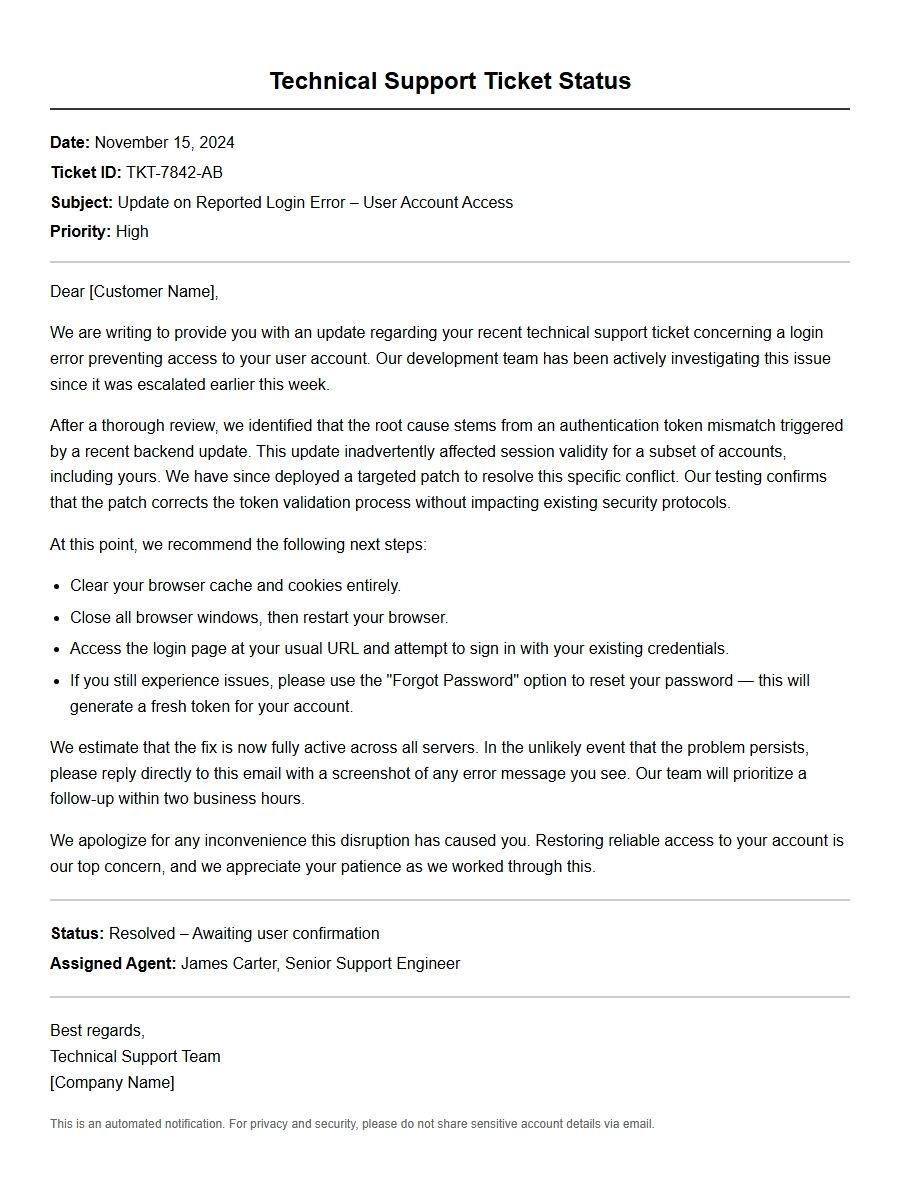
As compensation, we have added 1000 loyalty points to your account, redeemable for extended support hours or discounts. Please see your ticket’s updated timeline:
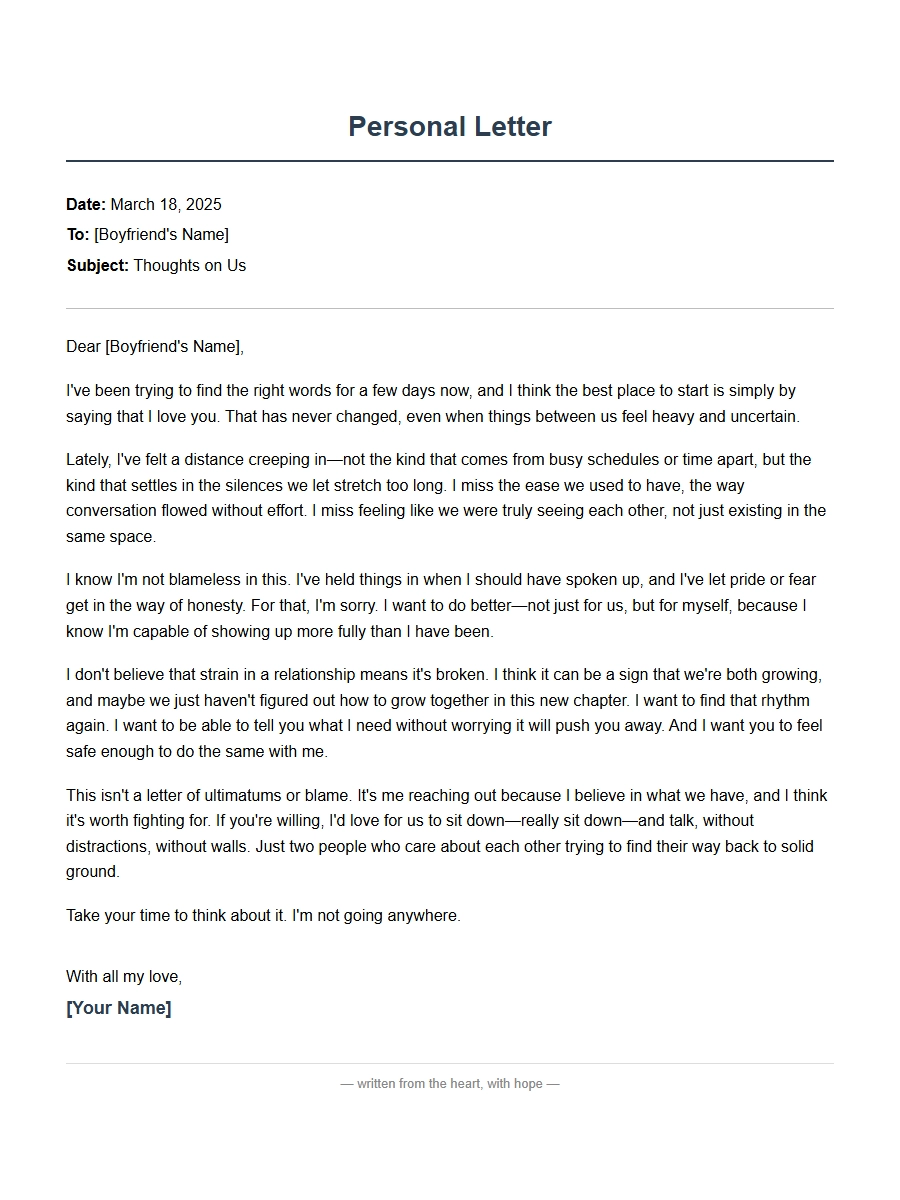 Personal Apology Letter for Boyfriend Relationship Strain
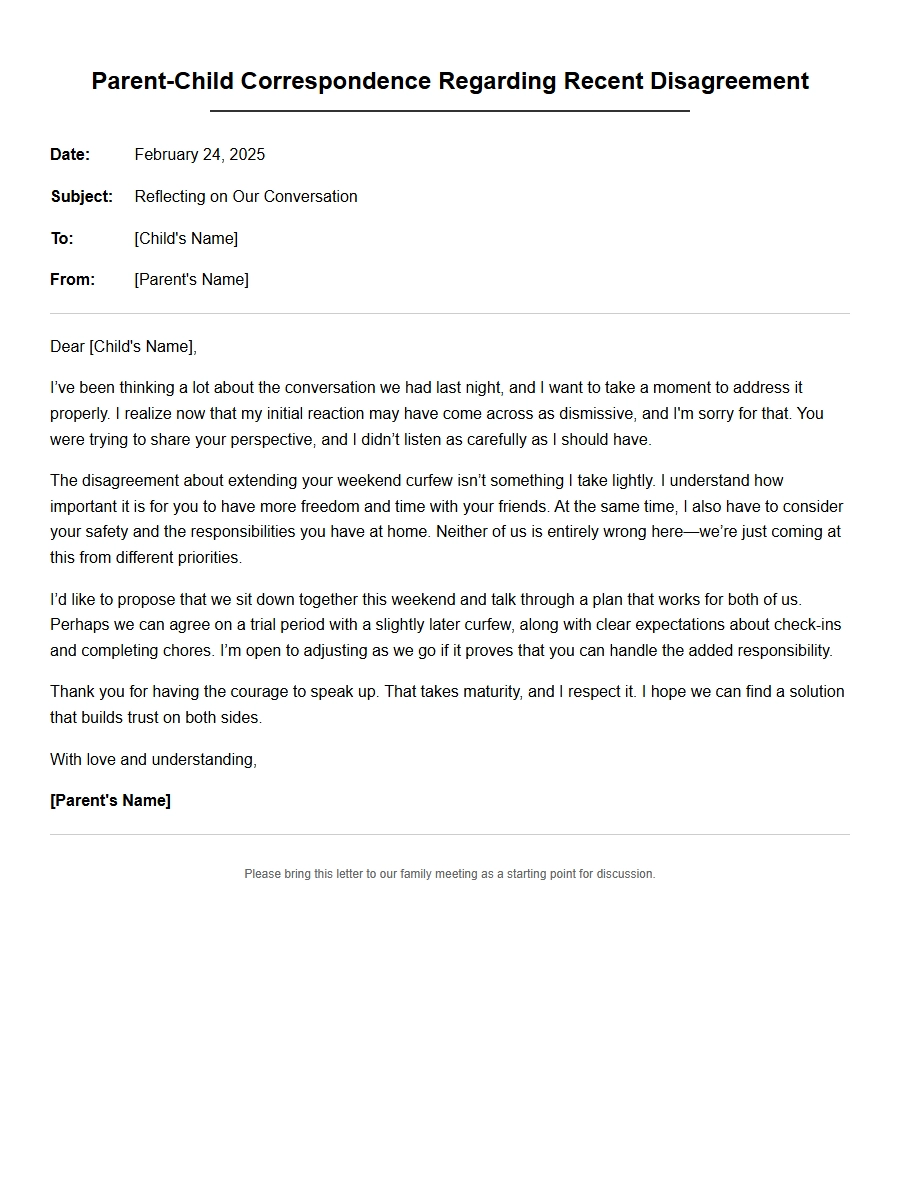 Apology Correspondence for Parent-Child Disagreements
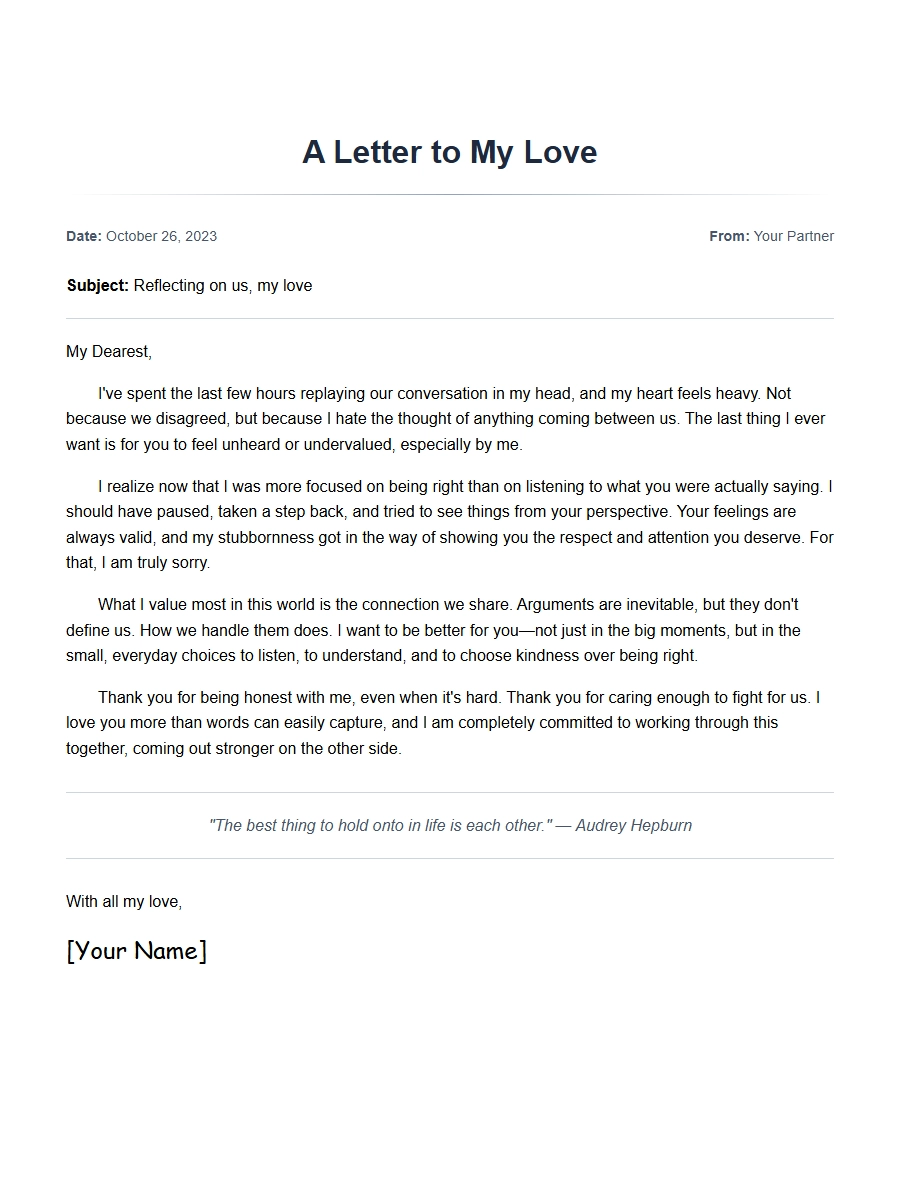 Apology Message for Girlfriend After Argument
 note for friend stealing item - Apology Letters
 Apology to Boss for Micromanagement Complaint
 Apology Document for Vendor Supply Chain Issue