You’ve got the outdated computers, the slow network, and the teachers begging for better tools. But when you sit down to write a school technology upgrade proposal letter, the blank page stares back. You know what you need, but putting it into professional correspondence that actually gets approved is another thing.
The good news? A solid sample isn’t cheating. It’s a shortcut to structure and tone. A good letter template shows you the right business letter format, the proper salutation and closing, and the key phrases that decision-makers expect. You just have to drop in your specific details and keep your authentic voice. Think of it as a scaffold, not a cage.
Before you start typing, know your audience. Are you writing to the school board, the district IT director, or a principal? That changes the tone in writing. For a board, lean formal — think “proposed initiative to enhance instructional capacity.” For an IT director, be more direct: “We need to replace 80 desktops before they fail.” The letter structure stays similar, but the language shifts.
A common mistake is using a generic sample without adapting the opening paragraph. Don’t lead with “I am writing to propose…” That’s forgettable. Instead, state the problem first. “Last month, three teachers lost lesson plans during server outages. Our current hardware can’t support the online assessments required next spring.” That grabs attention. Then tie it to the solution: your upgrade proposal.
How to choose the right sample for your situation
Not all samples fit. A letter of recommendation structure is useless here. Look for samples labeled “proposal letter” or “funding request.” If your school is a private institution, you might adapt a moving-company-relocation-service-proposal-letter from another field — the negotiation and pricing sections translate well. For public schools, focus on compliance and student outcomes. Avoid samples that sound like sales pitches. You’re not selling; you’re solving a problem.
Once you find a sample, read it through. Notice how it handles the salutation and closing. “Dear Dr. Rivera” is better than “To Whom It May Concern.” The closing should include a clear next step: “I welcome the opportunity to discuss this proposal at your next board meeting.” That’s letter writing etiquette that shows professionalism.
Category: Business Proposal Letters
Adapting the sample without losing your voice
Here’s where most people trip. They copy the sample word for word, then wonder why it sounds stiff. Instead, rewrite each paragraph in your own words after reading it. Keep the letter structure — introduction, need, solution, budget, call to action — but use your school’s specific examples. Mention the exact number of devices, the age of the infrastructure, and the impact on students. “Our current Wi-Fi handles 200 devices; we have 650 students and staff.” That’s real.
If the sample has a budget table, replicate it with your numbers. Don’t guess. Decision-makers will check. If you’re submitting a digital letter format (PDF or email), keep the letterhead design clean. Your school logo at the top, your name and title, and the date. No fancy fonts or colors.
A quick tip on the opening: if you can, mention a recent event. “After the network crash during state testing last week…” That creates urgency. It also shows you’re not just sending a generic template — you’re responding to a real situation.
Common mistakes to avoid
Ever received a letter that felt too stiff or too casual? That happens when you ignore the audience. For a school upgrade proposal, don’t use “Hi team” unless you’re emailing a colleague. Use “Dear Superintendent Chen.” Also, avoid outdated salutations like “Dear Sir or Madam.” It’s easy to fix once you know.
Another mistake: forgetting to proofreading letter for small errors. A typo in the budget amount or a missing date looks careless. Read it aloud, or ask a colleague to check. If you’re sending an email version, test a link if you include one. And if you’ve referenced other proposal types — say, a risk-mitigation-strategy-proposal-letter for why you’re prioritizing network security — make sure the connection is clear.
Also, watch the formatting. In a business letter format, paragraphs should be single-spaced with a blank line between. Left-align everything. For email, skip the letterhead and put your signature block at the bottom. Know the medium.
Using other proposal letters as reference
Sometimes the best inspiration comes from outside education. A pricing-structure-proposal-letter can show you how to break down costs clearly. A revision-negotiation-proposal-letter can teach you how to handle pushback before it happens. If you’re a sub-contractor for the school’s tech vendor, a sub-contractor-work-proposal-letter might have the right language for scope of work. You don’t copy them — you borrow their logical flow.
For instance, if your technology upgrade includes new servers and a managed switch, look at how a moving-company-relocation-service-proposal-letter lays out phases and timelines. Steal that structure. It makes your proposal easier to follow.
Ending with a next step
Don’t close with “Thank you for your consideration.” That’s weak. Instead, propose a specific follow-up. “I will send a one-page summary by Friday. Can we schedule 15 minutes next Tuesday to review?” That keeps momentum. The best letters feel both professional and personal — they show you’ve thought about the reader’s decision process.
Remember, a sample is a springboard, not a crutch. The first time you adapt one, it takes effort. The second time, it’s faster. Eventually, you’ll write these from memory. But starting with a proven structure removes the anxiety. You don’t have to reinvent the wheel. You just have to make it roll in your direction.
Examples for Different Needs
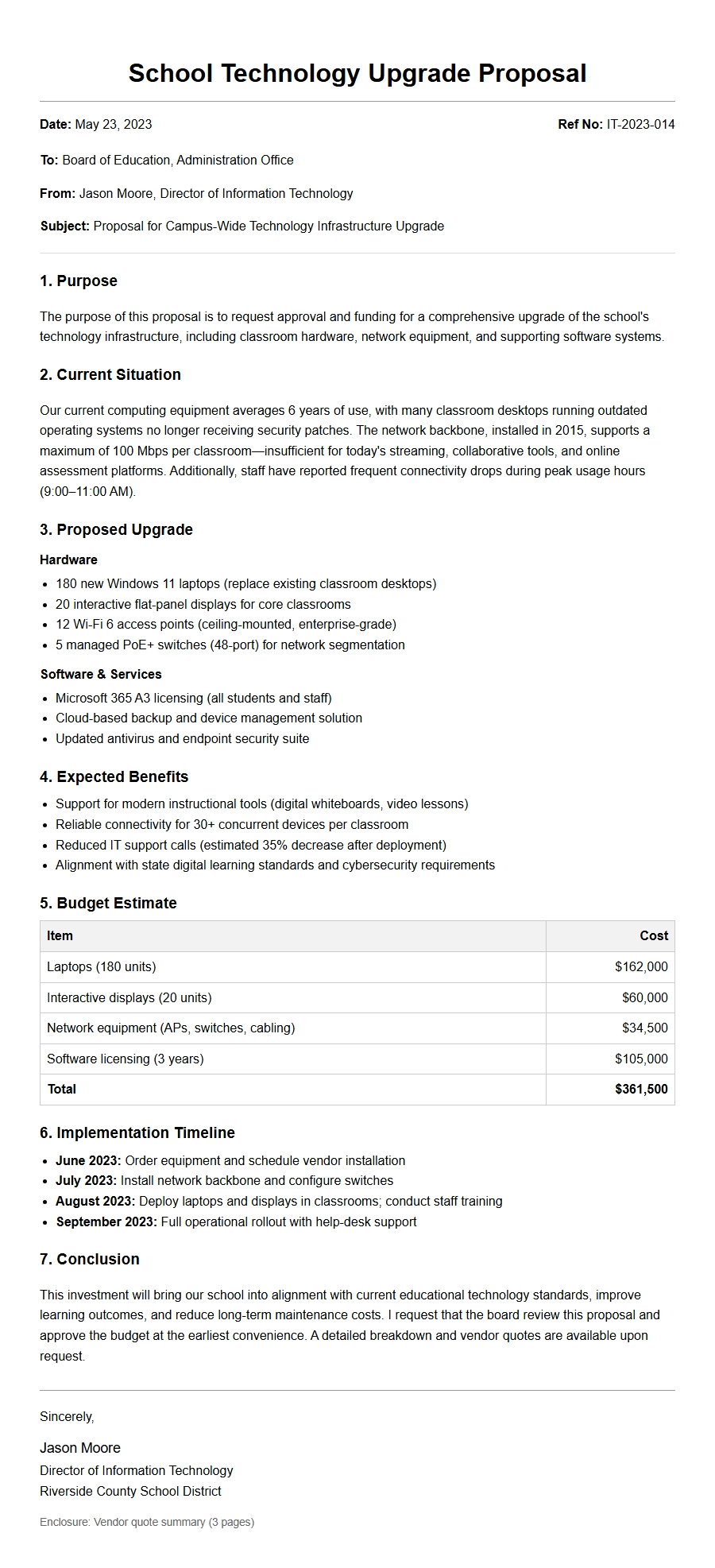
School Technology Upgrade Proposal Letter
Classroom Interactive Technology Upgrade Proposal
Proposal Date: November 1, 2025
Submitted To: School Board, Lincoln Middle School
Proposal Overview: We propose replacing outdated overhead projectors and dry-erase boards with 20 interactive touchscreen displays and wireless presentation systems across all core classrooms. This upgrade will enhance student engagement and support modern teaching methodologies.
Scope of Work:
Install 75-inch 4K interactive flat panels in 20 classrooms.
Integrate ScreenBeam wireless casting for teacher devices.
Mounting and cable management, including HDMI and power.
Estimated Costs:
Item
Quantity
Unit Price
Total
Interactive Flat Panel
20
$2,400
$48,000
Wireless Receiver
20
$200
$4,000
Mounts & Installation
20
$350
$7,000
Total
$59,000
Benefits: Teachers can display student work wirelessly, annotate over lessons, and integrate video resources seamlessly. Studies show interactive displays boost student participation by 35%.
We request approval of this proposal by December 15 to allow summer installation.
Computer Lab Refresh Proposal
Date: October 28, 2025
To: Administration, Westwood High School
Subject: Computer Lab Model 240 Upgrade
Our current computer lab (30 stations, 8 years old) frequently crashes and cannot run modern educational software. We propose a full refresh with new workstations and peripherals.
Proposed Configuration (Per Station):
Mini PC with Intel i5, 16GB RAM, 512GB SSD
24” IPS Monitor, USB-C docking
Wired keyboard, optical mouse
Cost Breakdown:
Component
Unit Price
30 Units
Mini PC
$850
$25,500
Monitor
$180
$5,400
Docking Station + Peripherals
$120
$3,600
Labor setup & cabling
$60
$1,800
Subtotal
$36,300
Implementation Timeline: 4 weeks after approval. Old units will be wiped and recycled.
Estimated lifespan of new equipment: 5 years.
School Network Infrastructure Overhaul Proposal
Proposal ID: NET-2025-017
Date: November 3, 2025
To: Director of Technology, Riverdale School District
Recent network outages during online testing highlight the urgent need for an infrastructure upgrade. We propose replacing edge switches, adding access points, and upgrading the firewall.
Current Issues:
10/100 Mbps switches bottleneck traffic.
Only one access point per wing, causing dead zones.
Firewall cannot support 500 simultaneous devices.
Proposed Solution:
Item
Qty
Cost Each
Managed Gigabit PoE+ Switch (48 port)
4
$1,200
Wi-Fi 6 Access Points
24
$350
Next-Gen Firewall Appliance
1
$5,800
Cabling (Cat6a) and Installation
Lot
$8,000
Total Estimate: $22,400
Expected Outcomes:
1 Gbps wired to every classroom.
Reliable 500+ concurrent wireless connections.
Enhanced security with intrusion prevention.
Approval by December 1 allows installation during winter break.
1:1 Student Device Program Proposal
Proposal Title: Every Student, A Device: Laptop Rollout Plan
Date: November 10, 2025
To: Board of Education, Oak Park Unified School District
This proposal outlines a phased 1:1 program providing each student in grades 6-12 with a Chromebook for in-school and at-home learning.
Phasing: First 400 devices by February 2026, remaining by August. A take-home policy will promote equity and digital fluency.
We request a vote at the November 20 board meeting.
Virtual Reality Lab for STEM Education Proposal
Date: November 5, 2025
To: STEM Committee, Summit High School
Subject: Establishing a 12-Station Virtual Reality Learning Lab
Immersive VR transforms how students explore biology, physics, and history. We propose converting room 112 into a dedicated VR lab with standalone headsets and a central management system.
Included Equipment:
12 × Meta Quest 3 (128GB) with charging stations
1 × VR content subscription (zSpace or Google Expeditions)
Ruggedized storage cart with locks
Cost Details:
Item
Unit Cost
Total
VR Headsets (12)
$500
$6,000
Charging & Sync Station (12 slots)
$2,200
$2,200
Content Licensing (annual)
$3,000
$3,000
Lab furniture (tables, stools)
$4,500
$4,500
Total
$15,700
Learning Outcomes: VR leads to deeper understanding of 3D concepts. Pilot data shows 40% improvement in test scores in chemistry and anatomy.
We request $15,700 from the innovation fund; remaining maintenance is part of annual IT budget.
Auditorium AV System Modernization Proposal
Project: Verdi Hall Audiovisual Upgrade
Date: November 2, 2025
To: Facilities & Finance, Northville Public Schools
The auditorium currently uses a 15-year-old projector and analog sound system. We propose a complete digital AV overhaul to support assemblies, performances, and graduation.
Core Components:
10,000 lumen laser projector with 150” motorized screen
24-channel digital mixer + line array speakers
Wireless handheld and lavalier microphones (8 units)
Control system (iPad-based)
Cost Estimate:
Category
Amount
Projector & Screen
$18,000
Sound System (speakers, amp)
$25,000
Microphones & Mixer
$6,800
Control & Cabling
$5,200
Subtotal
$55,000
Installation labor
$8,000
Grand Total
$63,000
Installation can be completed in three weeks over summer break. The new system will also support live streaming.
Cybersecurity Upgrade for School District Proposal
Proposal Number: SEC-2025-042
Date: October 30, 2025
To: Superintendent Dr. Allen, Greenfield School District
Following the recent ransomware attacks on neighboring districts, we must strengthen our cybersecurity posture. This proposal covers endpoint protection, email filtering, and security awareness training.
Current Gaps:
No EDR (Endpoint Detection & Response) on staff devices.
Email gateway lacks advanced phishing filters.
No mandatory annual security training for employees.
Proposed Solutions & Costs:
Service
Annual Cost
EDR for 300 devices (CrowdStrike)
$15,000
Email Security (Mimecast)
$8,500
Staff Security Training (KnowBe4)
$3,600
Total per year
$27,100
Additional One-Time Costs: $4,000 for deployment and configuration.
Benefits: Reduced risk of data breach, compliance with state cybersecurity mandates, and improved incident response.
We recommend approval for the current fiscal year.
To prepare students for modern careers, we propose equipping our STEM lab with 3D printers, a laser cutter, and robotics kits. This will serve Engineering, Art, and Computer Science courses.
Key Equipment:
5 × Prusa MK4 3D printers (multi-material)
1 × Glowforge Pro laser cutter/engraver
10 × VEX V5 robotics classroom bundles
Budget Estimates:
Item
Qty
Cost
Prusa MK4 printers
5
$5,000
Glowforge Pro + materials
1
$6,500
VEX V5 bundles
10
$4,950
Consumables (filament, wood, acrylic)
1 year
$2,000
Total
$18,450
Teacher Training: Included in vendor agreements (2 days on-site).
This lab will enable students to design prototypes and learn manufacturing skills aligned with industry standards.
Learning Management System (LMS) Upgrade Proposal
Date: November 12, 2025
To: Curriculum & Instruction, Maplewood School District
Our current LMS (Moodle 3.5) is end-of-life. We recommend migrating to Canvas LMS for improved usability, analytics, and integration with our SIS.
Key Features Required:
Auto-grade rubrics and plagiarism detection
Parent portal and progress reports
Mobile app for students
Seamless integration with Infinite Campus SIS
Cost Comparison (3-year license):
LMS
Annual Cost (5000 users)
Migration Support
Canvas
$45,000
Included year 1
Schoology
$48,500
Extra $5,000
Recommended Option: Canvas LMS at $45,000/year + $12,000 one-time data migration = $57,000 year one, then $45,000/yr.
Timeline: Migration during summer 2026, with pilot in spring. All courses migrated by August.
Improving the LMS will streamline online assignments, feedback, and parent communication.
Assistive Technology for Inclusive Learning Proposal
Proposal: Enhancing Special Education with Assistive Technology
Date: November 6, 2025
To: Director of Special Services, Evergreen School District
We propose purchasing assistive technology tools to support students with disabilities in mainstream classrooms. This includes reading pens, speech-to-text software, and ergonomic input devices.
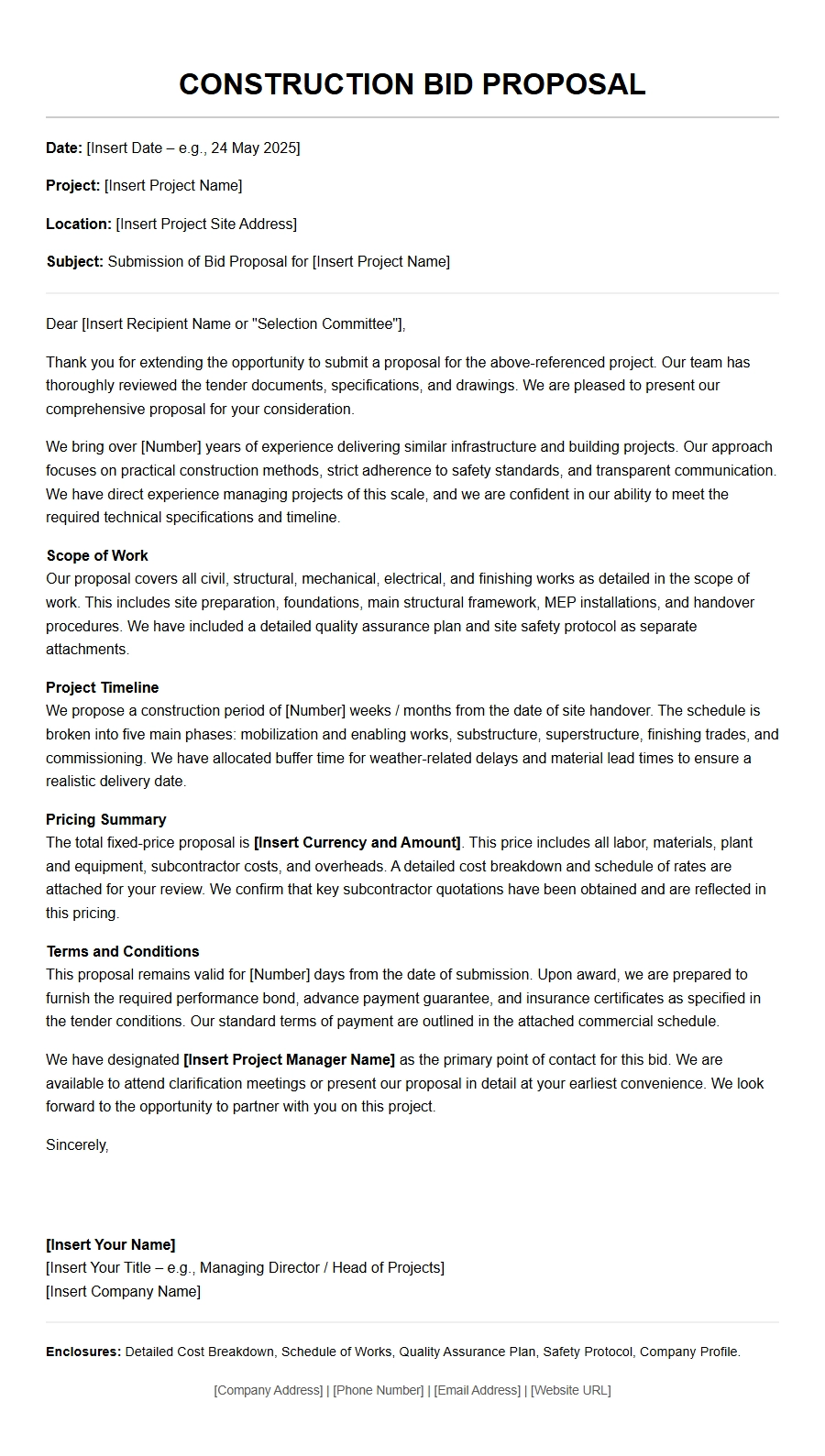 Sample Construction Bid Proposal Letter
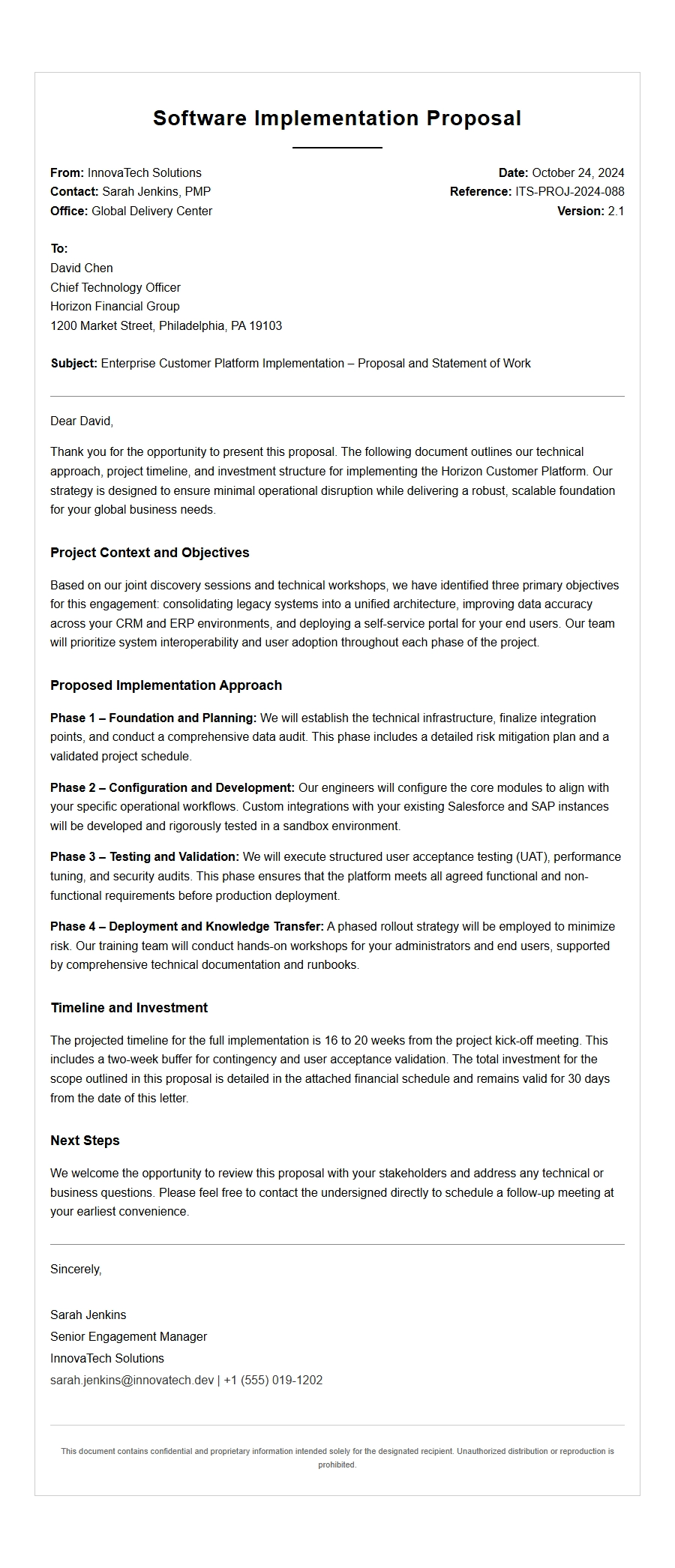 Enterprise Software Implementation Proposal Letter Example
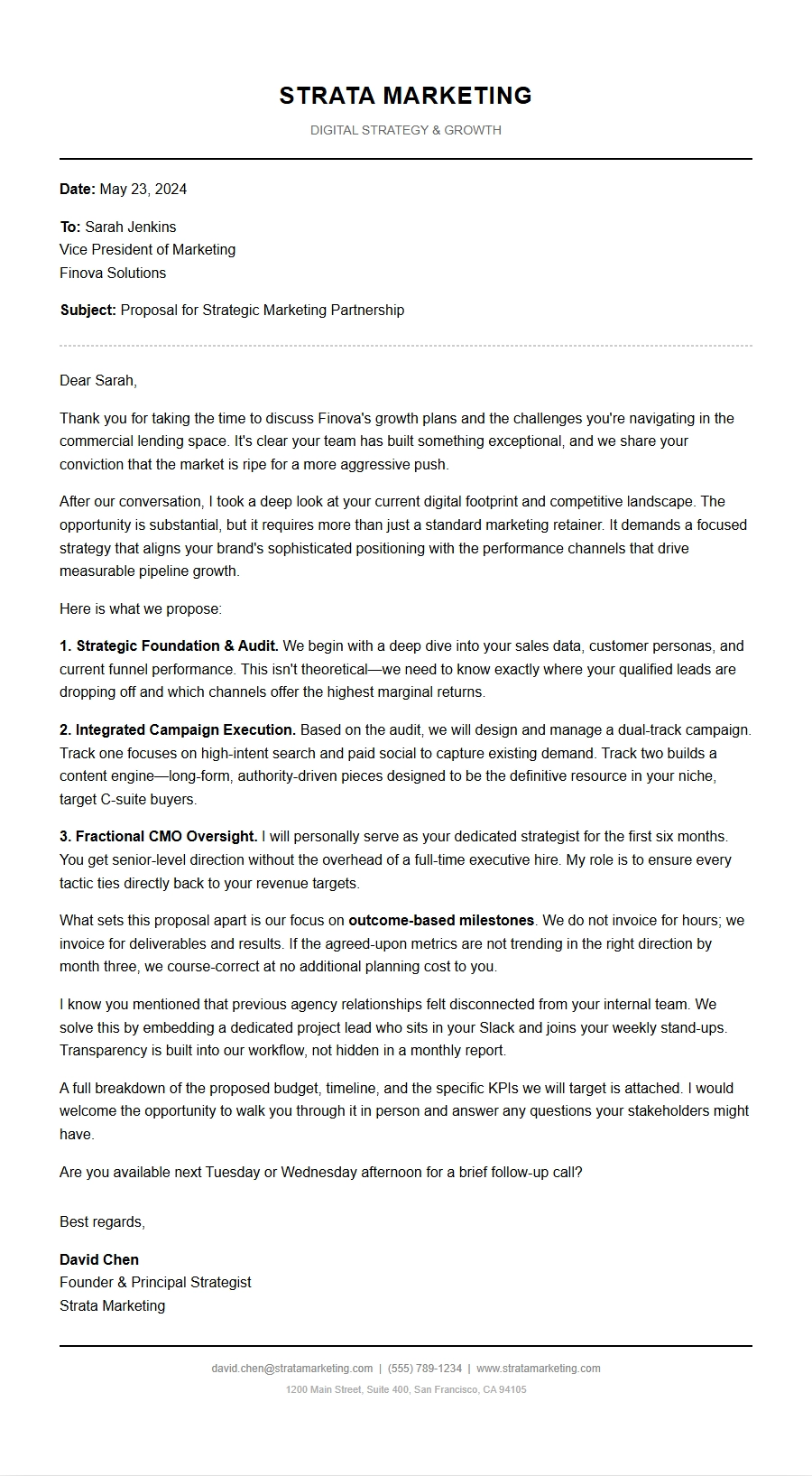 Marketing Agency Service Proposal Letter Template
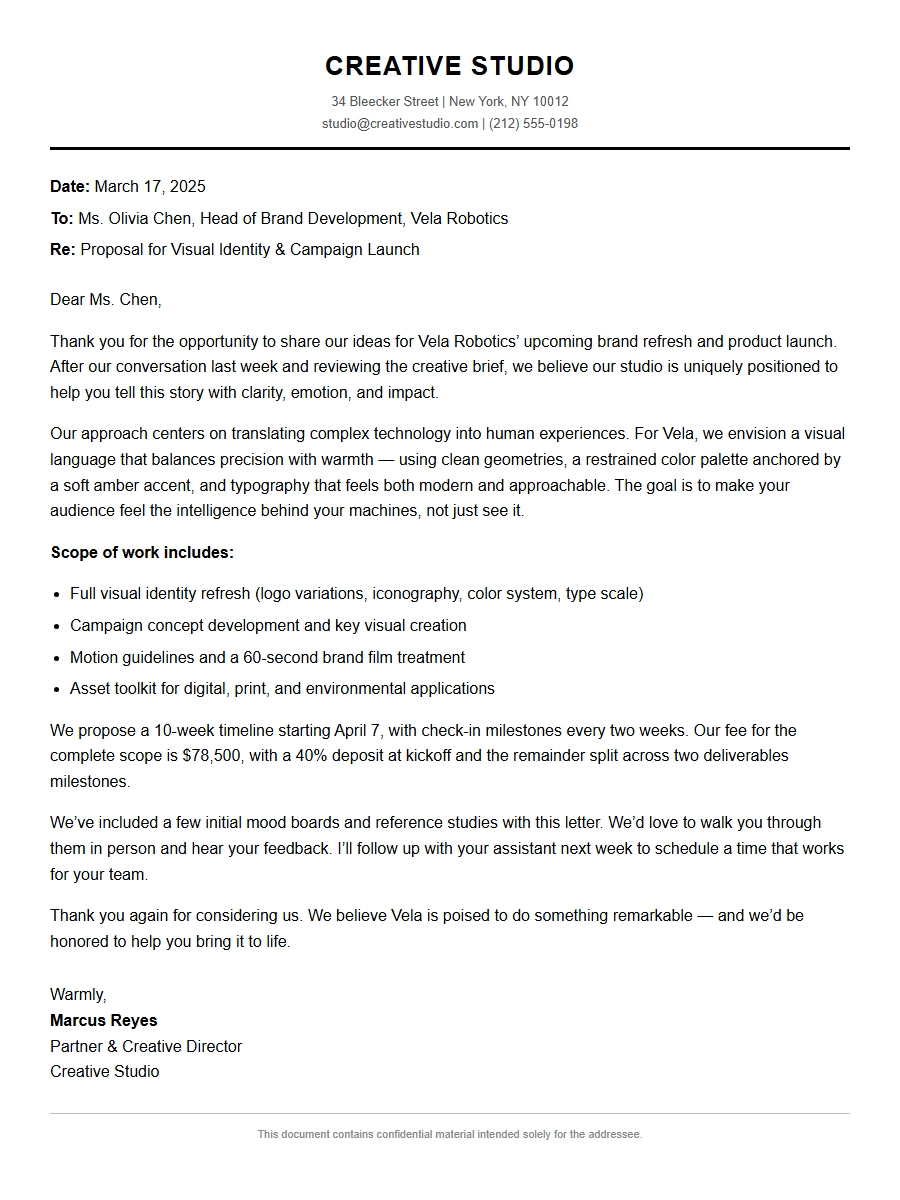 Creative Studio Project Proposal Letter
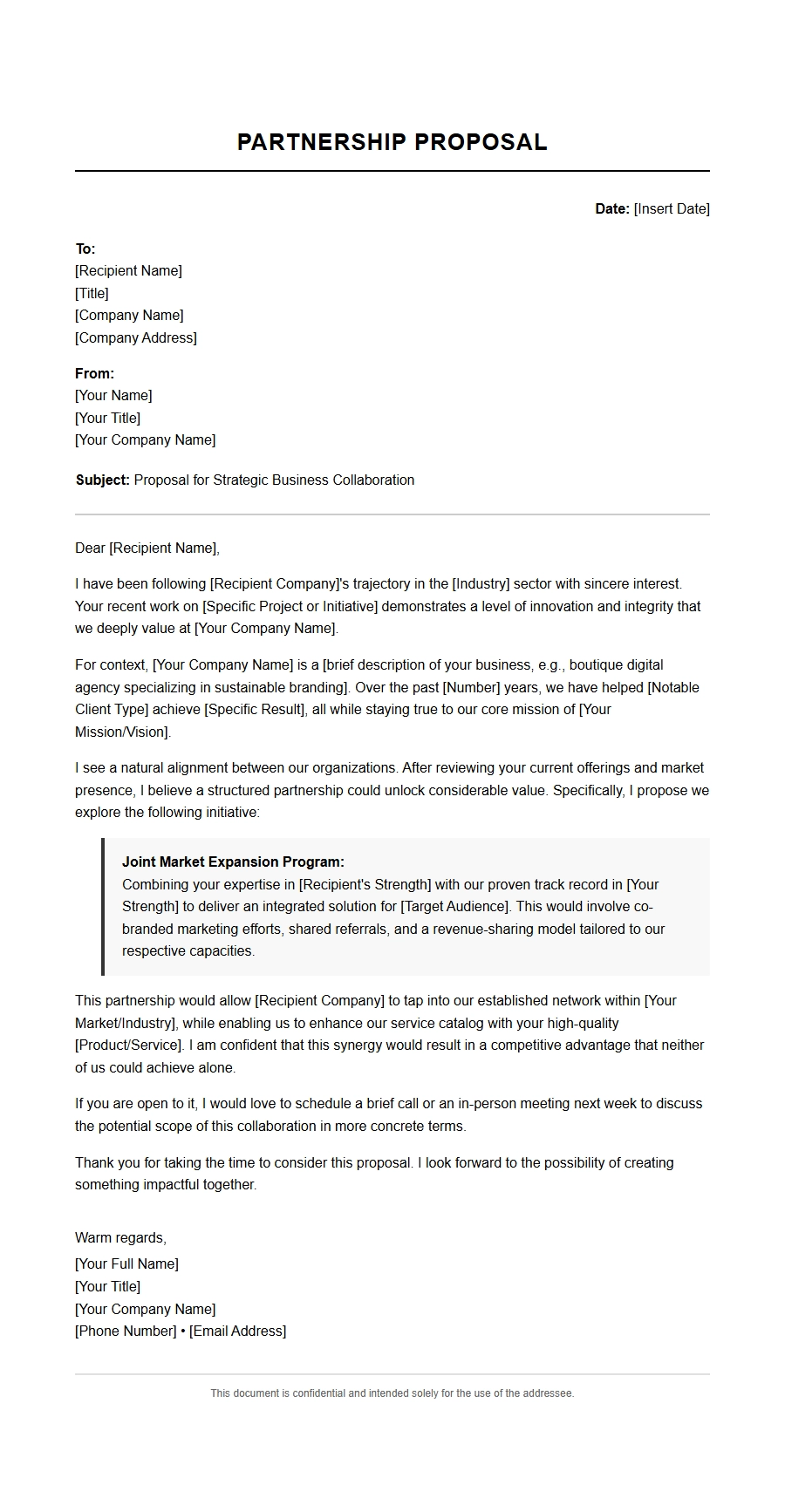 Small Business Partnership Proposal Letter Template
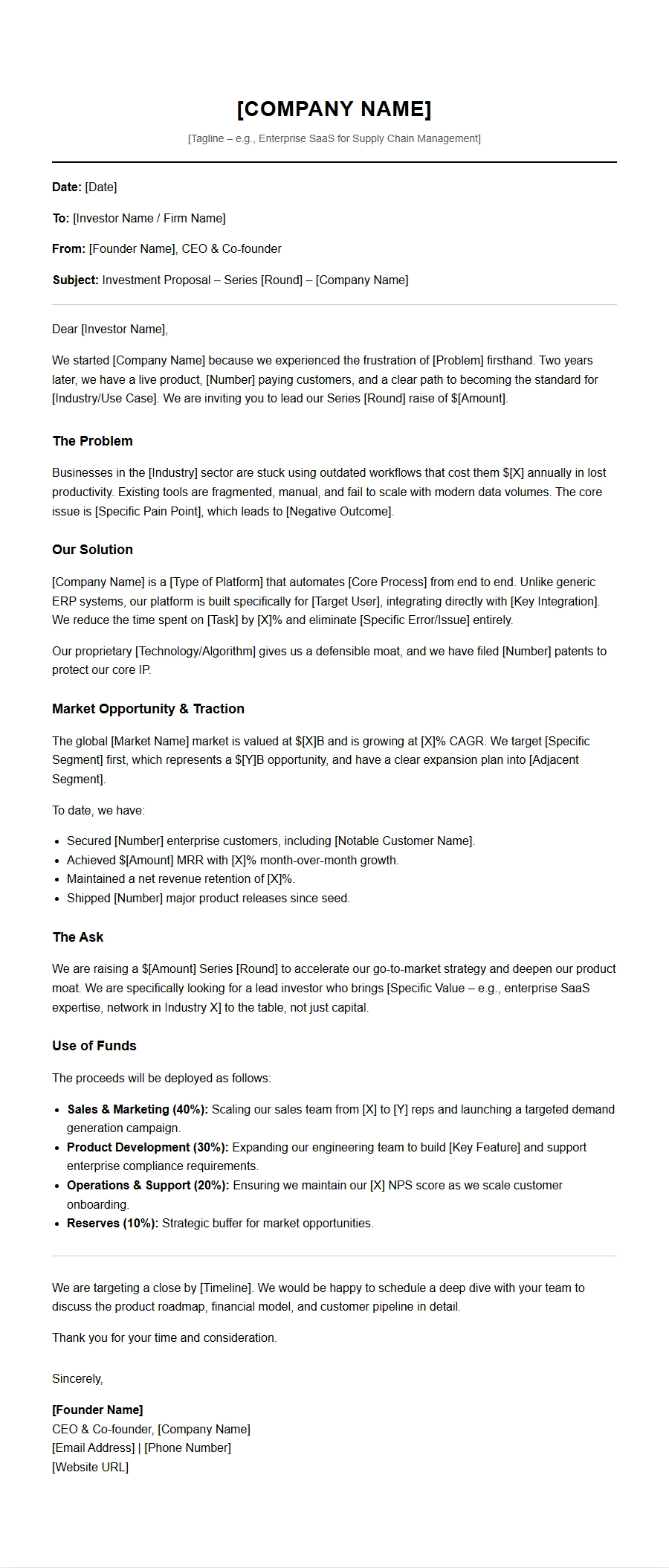 Startup Investment Proposal Letter Template