You've got the budget approved, the vendor selected, and the timeline set. But now you need to formalize that hardware procurement request—and getting the letter right matters. It’s the document that tells your finance team, your manager, or your client exactly what you need, why it’s necessary, and what it will cost. A poor letter can delay approvals or create confusion. A clear, professional request speeds everything up.
Why a hardware procurement request letter isn’t just paperwork
This letter is more than a formality. It’s your chance to show you’ve done your homework. You’re asking for approval to spend company money on physical equipment: servers, laptops, networking gear, monitors, or specialized machines. A well-written letter builds trust. It demonstrates that you understand both the technical requirements and the business justification. And no, using a sample isn’t cheating—it’s a smart way to get the structure right while focusing your energy on the details that matter.
Start with the right structure—then personalize
A solid hardware procurement request letter follows standard business letter format. That means your contact details, date, recipient’s name and title, a clear subject line, a formal salutation (e.g., “Dear Ms. Garcia”), and a respectful closing. But the real work happens in the body. First, state what you’re requesting: “I am writing to request approval to purchase 15 Dell Latitude laptops and associated docking stations for the new software development team.” Then explain the need: why now, what problem it solves, how it aligns with company goals.
Next, include a brief cost breakdown. Don’t just list numbers—show that you’ve compared options. Mention the vendor, total cost including shipping and taxes, and any warranty or support terms. If you can, add a sentence about the expected return on investment, like “These machines will reduce onboarding time by 20% compared to our current equipment.” That turns a simple request into a persuasive case.
Common mistakes that slow down approvals
Even a well-researched request can fail if the tone is off. Avoid outdated salutations like “To Whom It May Concern” unless you truly don’t know the recipient. And be careful with formality level. If you’re emailing a colleague in procurement, a semi-formal tone works. For a board or external client, keep it more polished. Another frequent error: ignoring the digital letter format. If you’re sending this as a PDF attachment, make sure your letterhead design is clean and professional. If it’s in the email body, use short paragraphs and clear line breaks for easy reading.
Never skip proofreading. A typo in a dollar amount or a wrong part number can cause confusion. Read your letter aloud, or have a coworker glance at it. And always customize the salutation and closing—form letters that feel generic get ignored.
How to adapt a sample without losing your voice
Start with a reliable letter template tailored to hardware procurement requests. Then make it yours. Swap the generic justification with your specific situation. For example, instead of “We need new equipment to improve productivity,” say “The current three-year-old desktops are causing 15-minute boot delays daily, which adds up to 25 hours of lost productivity per week across the team.” That’s concrete and honest. Your authentic voice shows through in the details you choose to highlight.
One quick tip: grab the reader’s attention in the opening paragraph. Don’t start with “I am writing this letter to request…” Instead, lead with the business need. “Over the past month, our design team has reported frequent crashes on their existing workstations. After evaluating our options, I recommend immediate replacement of ten machines.” Then follow with the formal request. That opening shows urgency and confidence.
When to draw inspiration from other proposal letters
Decide upfront how you’ll send the letter. If it’s an email, keep the subject line clear: “Hardware procurement request: 15 laptops for dev team – $22,500.” Use a brief, respectful salutation, then keep paragraphs to two or three sentences. If it’s a printed letter or PDF, include your company letterhead, full addresses, and a formal signature block. In both cases, maintain professional correspondence standards: no slang, no emojis, and a consistent font.
Finally, remember that a request letter is a starting point, not a final word. It opens a conversation. Your procurement manager may ask for additional details, or your finance team may suggest an alternative vendor. That’s fine. Your letter shows you’ve thought things through, and now you’re ready to collaborate. The more you practice writing these letters, the faster and more natural they become. And next time, you’ll write one in minutes—not hours.
Practical Writing Samples
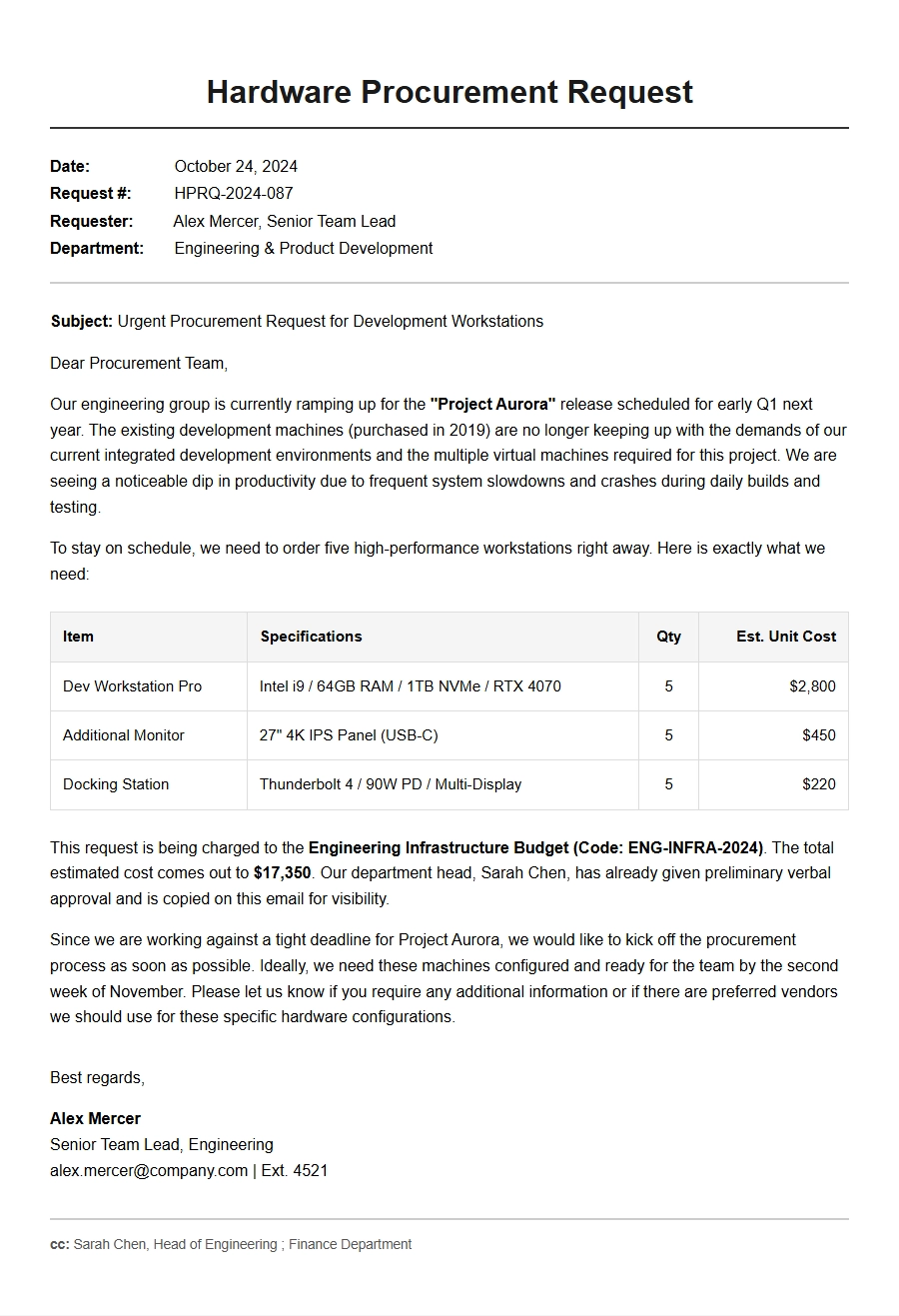
Hardware Procurement Request Letter Sample
Request for New Laptops
Date: October 15, 2023
To: Chief Financial Officer
From: IT Department Manager
Subject: Procurement Request – Replacement Laptops for Engineering Team
Our current fleet of laptops (Dell Latitude 5480, purchased 2018) is now over five years old. Performance issues, battery degradation, and incompatibility with recent software updates are causing a 20% drop in productivity. We propose replacing 15 units with Dell Latitude 5540 (16 GB RAM, 512 GB SSD, i7-1355U) to meet modern engineering demands.
Specifications per unit:
Processor: Intel Core i7-1355U
Memory: 16 GB DDR5
Storage: 512 GB NVMe SSD
Display: 15.6” FHD
Battery: 6-cell, 97 Wh
Cost breakdown:
Item
Quantity
Unit Price
Total
Dell Latitude 5540
15
$1,450
$21,750
USB-C Docking Station
15
$180
$2,700
3-Year ProSupport
15
$250
$3,750
Grand Total
$28,200
We have obtained three competitive quotes; the above is the best value. Approval by October 31 ensures delivery before Q1 peak workload. Please let me know if further justification is required.
Server Hardware Upgrade Proposal
Date: November 2, 2023
To: Vice President of Operations
From: Director of Infrastructure
Subject: Urgent Server Replacement Request – Hosting ERP and CRM
Our primary production server (HP ProLiant DL380 Gen9) has experienced three unplanned outages this quarter, risking data integrity and user access. We recommend replacing it with a Dell PowerEdge R750xs configured for high availability. This investment will eliminate downtime and support a 40% growth in transaction volume projected for 2024.
Proposed configuration:
2 × Intel Xeon Silver 4314 (16 cores each)
128 GB DDR4 ECC RAM (expandable to 1 TB)
4 × 2.4 TB SAS SSD RAID 10
Dual 10GbE SFP+ ports
iDRAC9 Enterprise management
Cost estimate (all-inclusive):
Component
Vendor
Amount
Dell PowerEdge R750xs
CDW
$18,400
3-Year ProSupport Plus
Dell
$2,100
Installation & Migration
Internal team
$0 (in-kind)
Total
$20,500
We request approval to issue a purchase order immediately. A temporary failover server is available, but must be resolved within two weeks to avoid SLA penalties. Attached are benchmark comparisons and a risk assessment.
Network Switches for Office Expansion
Date: November 15, 2023
To: Facilities & IT Steering Committee
From: Network Engineering Lead
Subject: Hardware Procurement – Managed Switches for New West Wing
To support the upcoming office expansion (40 new desks, two conference rooms, and a lab), we require six 48‑port PoE+ managed Gigabit switches and two 24‑port aggregation switches. The existing infrastructure cannot handle the increased port density and Power over Ethernet demands for IP phones and wireless access points.
Delivery lead time is 4 weeks. We request a decision by November 30 to align with construction schedules. This investment ensures a resilient, future‑proof network for the next five years.
Tablets for Field Service Team
Date: December 1, 2023
To: Director of Field Operations
From: Field Technology Coordinator
Subject: Hardware Purchase Request – Rugged Tablets for Mobile Workforce
Our field technicians currently use consumer‑grade laptops that fail under outdoor conditions (dust, moisture, drops). We propose procuring 30 Samsung Galaxy Tab Active5 Enterprise Edition tablets with accessories. These devices are IP68 rated, include a built‑in S Pen, and support Samsung DeX for on‑site reporting.
Improved report turnaround time (real‑time data entry)
Integration with existing mobile app and VPN
Order details:
Item
Unit Price
Qty
Total
Galaxy Tab Active5 Enterprise
$549
30
$16,470
Rugged case + hand strap
$45
30
$1,350
Vehicle mount cradle
$89
30
$2,670
2‑year Knox Suite license
$120
30
$3,600
Total investment
$24,090
We have budgeted $25,000 for field mobility in FY24. Approval before December 15 allows deployment alongside the scheduled vehicle refresh. A pilot with 5 units showed 30% productivity gain.
Video Conferencing Equipment Upgrade
Date: January 10, 2024
To: Head of Corporate Communications
From: AV & Collaboration Manager
Subject: Procurement Request – Conference Room Hardware for Hybrid Meetings
As hybrid work becomes permanent, our largest meeting rooms suffer from poor audio, camera angles, and screen sharing lag. We recommend upgrading six rooms with Logitech Rally Bar systems and companion displays. This consistently delivers a ‘same‑room’ experience for remote participants.
Scope:
6 × Logitech Rally Bar (Ultra‑HD PTZ camera, beamforming mic array)
6 × Samsung 75” QLED 4K displays
6 × Logitech Tap touch controllers
Cabling, mounts, installation labor
Budget breakdown:
Item
Per Room
6 Rooms Total
Logitech Rally Bar
$5,400
$32,400
Samsung 75” display
$1,900
$11,400
Logitech Tap
$1,050
$6,300
Installation & Misc.
$1,200
$7,200
Total
$9,550
$57,300
We received three quotes; this option provides the best support and integration with Microsoft Teams Rooms. Approval by January 31 enables installation before the April all‑hands meeting. ROI is expected within 12 months through reduced travel costs.
High‑Performance Workstations for Design Team
Date: February 5, 2024
To: Engineering Director
From: CAD/CAE Supervisor
Subject: Hardware Request – Workstations for SolidWorks Simulation
Our design team of 8 engineers currently uses standard PCs that struggle with large assembly models and finite element analysis. Simulation runs take 3–4 hours, causing bottlenecks. We request approval to purchase custom HP Z8 Fury G5 workstations with NVIDIA RTX A6000 GPUs.
Proposed configuration per workstation:
Intel Xeon w5‑3435X (16 cores, 4.7 GHz)
128 GB DDR5 ECC RAM
2 TB NVMe SSD + 4 TB HDD
NVIDIA RTX A6000 (48 GB VRAM)
Windows 11 Pro for Workstations
Pricing summary:
Item
Qty
Unit Price
Total
HP Z8 Fury G5 workstation
8
$14,200
$113,600
3‑year warranty upgrade
8
$1,100
$8,800
Dell 27” 4K monitors (pair)
8
$1,500
$12,000
Grand total
$134,400
Expected simulation time reduction from 4 hours to 30 minutes, yielding a 6‑month ROI through faster design cycles. We have a quote from HP valid until February 28. Please review and approve.
NAS Storage Expansion for Data Team
Date: March 1, 2024
To: Chief Data Officer
From: Storage Administrator
Subject: Hardware Procurement – QNAP NAS for Data Analytics
Our current Synology NAS (DS1821+) has reached 92% capacity with 12 TB raw. The analytics department requires fast, redundant storage for large datasets and machine learning pipelines. We propose upgrading to a QNAP TS‑h1886XU‑RP (16‑bay, high‑performance) with 64 TB usable capacity using WD Red Pro drives.
16 × WD Red Pro 8 TB (RAID 6 → 112 TB raw, 84 TB usable)
2 × Samsung 2 TB NVMe cache
QNAP QSW‑M5216‑1T switch for 25GbE
Cost details:
Component
Vendor
Amount
QNAP TS‑h1886XU‑RP
B&H
$8,490
WD Red Pro 8 TB (×16)
Amazon
$4,320
Samsung NVMe 2 TB (×2)
CDW
$640
QNAP 25GbE switch
InStock
$1,295
Total hardware
$14,745
We project this will support 3 years of data growth. Data migration will happen over a weekend with no downtime. Approval by March 15 allows us to purchase before Q2 budget freeze.
Printer and Scanner Fleet Replacement
Date: March 20, 2024
To: Office Services Manager
From: Facilities Procurement Lead
Subject: Hardware Request – Multifunction Printers for Open Plan Floors
Our existing Ricoh copiers (5 units, over 8 years old) have high maintenance costs and slow scan speeds. We recommend replacing them with 4 HP LaserJet Enterprise MFP M636dn units plus one wide‑format T2500 scanner for legal/architectural prints. These devices will reduce per‑page cost by 30% and support secure pull‑printing.
Deployment plan:
3 HP M636dn on floors 2–4 (general use)
1 HP M636dn in IT breakroom (admin)
1 HP DesignJet T2500 for large format (basement)
Managed print service contract (3‑year lease)
Cost breakdown (purchase option):
Model
Qty
Unit Price
Total
HP LaserJet M636dn
4
$2,850
$11,400
HP DesignJet T2500
1
$6,100
$6,100
Installation and training
1
$1,500
$1,500
Total
$19,000
We also propose a leasing option with lower upfront cost. The average monthly cost would be $450 per unit including maintenance and toner. Please advise on budget preference. Approval needed by April 5 to replace failing units.
Our existing FortiGate 100E is end‑of‑life and cannot handle the increased remote access load (200+ concurrent VPN users). We propose upgrading to a FortiGate 400F with integrated SD‑WAN and FortiClient EMS licensing. This will improve throughput from 2 Gbps to 6 Gbps and add advanced threat protection.
This investment directly supports our zero‑trust architecture and is critical to meet compliance requirements for the upcoming SOC2 audit. We recommend ordering by April 30 to avoid an extended deployment window.
UPS and Power Backup for Data Center
Date: May 5, 2024
To: Director of Data Center Operations
From: Electrical Systems Engineer
Subject: UPS Replacement and Power Distribution Upgrade
Our APC Symmetra PX 40 kW UPS (installed 2015) has exceeded its expected battery life and recently failed during a utility dip. We request approval to purchase an Eaton 9PX 15000 3‑Phase UPS with external battery cabinet, plus a new power distribution unit (PDU) for the main server row. This ensures 15 minutes of runtime at full load and clean power for critical equipment.
Proposed hardware:
1 × Eaton 9PX 15000 (15 kVA / 13.5 kW)
1 × Eaton ABM‑5 battery cabinet (5 extra battery strings)
2 × rack‑mounted switched PDUs (30A 3‑phase)
Remote monitoring card (Eaton Gigabit card)
Estimated costs:
Component
Price
Eaton 9PX 15000 UPS
$8,200
External battery cabinet
$3,100
Rack PDUs (×2)
$1,800
Network card + installation
$950
Electrical work (bonded contractor)
$2,500
Total project cost
$16,550
The current UPS is on an extended service contract but batteries are no longer available. Replacement parts are backordered. We recommend approving this request immediately to avoid extended downtime during summer storm season. A comparative quote from APC is available if needed.
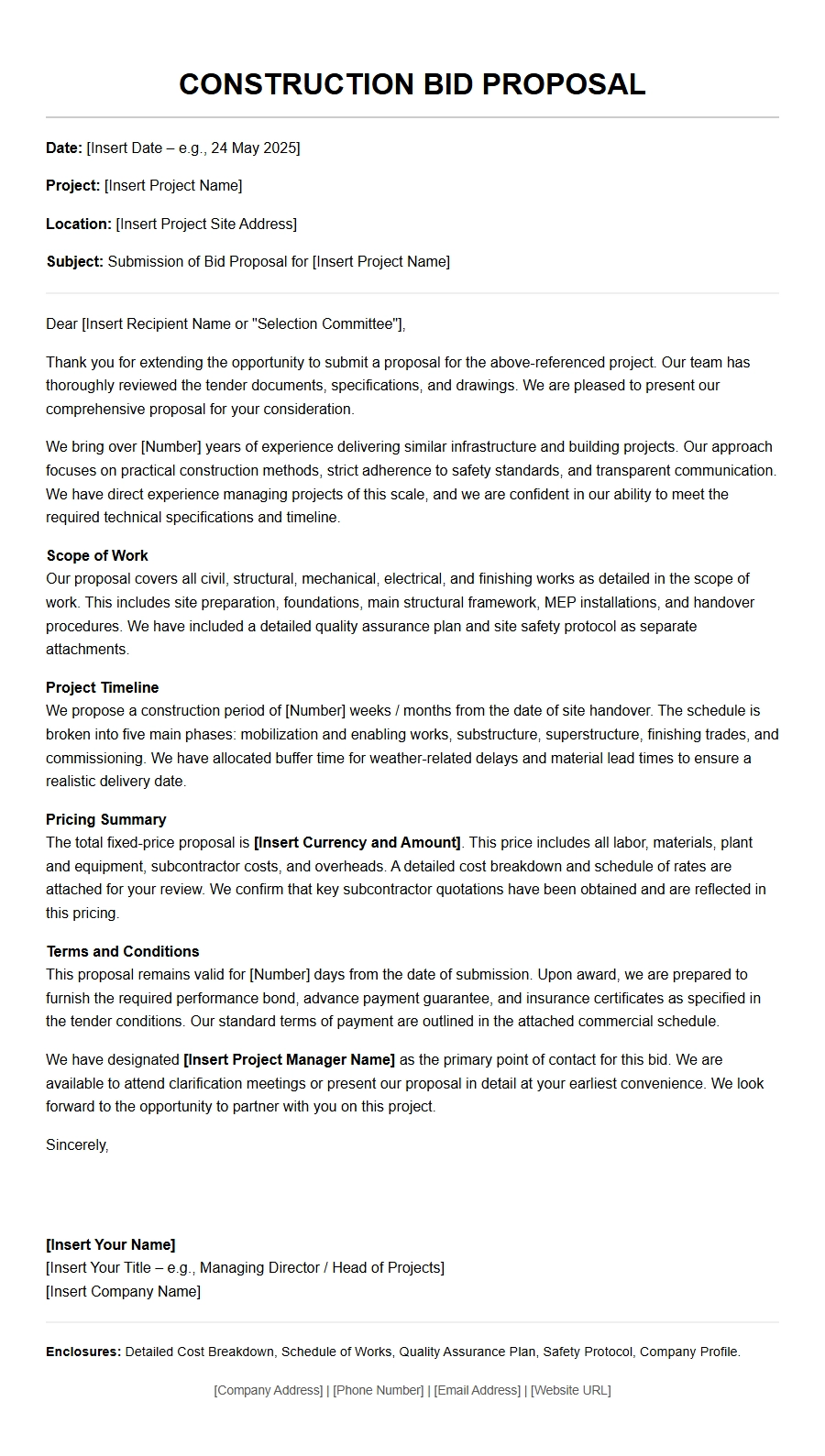 Sample Construction Bid Proposal Letter
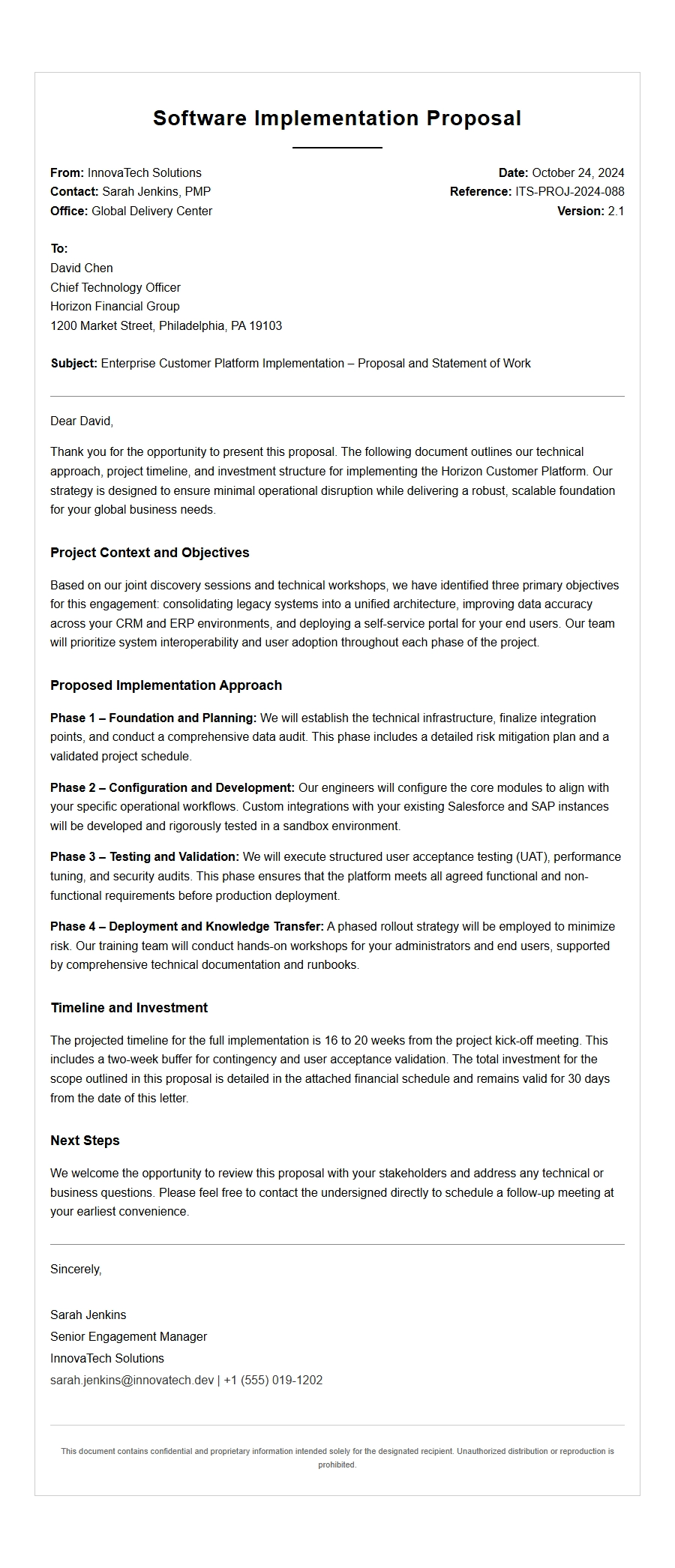 Enterprise Software Implementation Proposal Letter Example
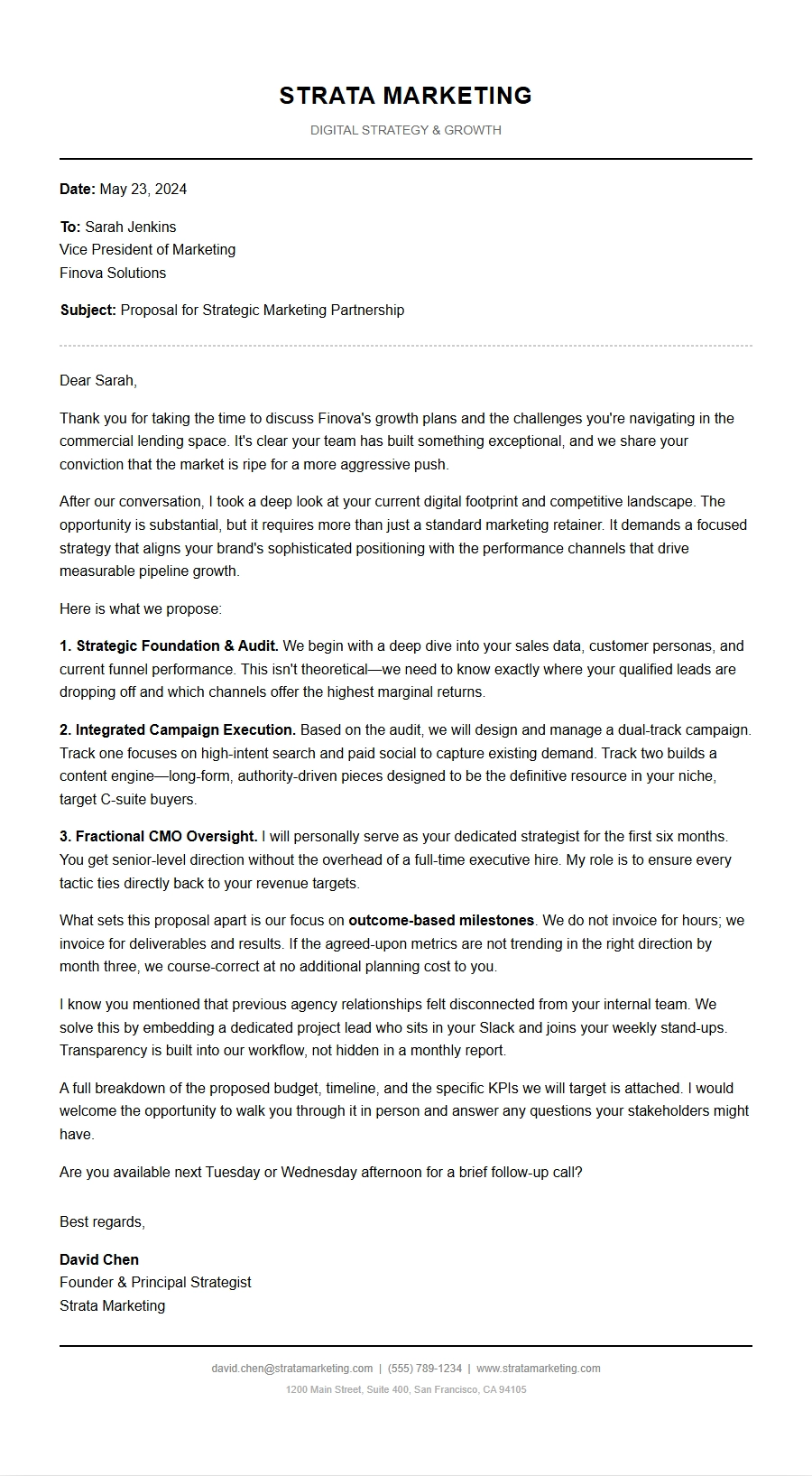 Marketing Agency Service Proposal Letter Template
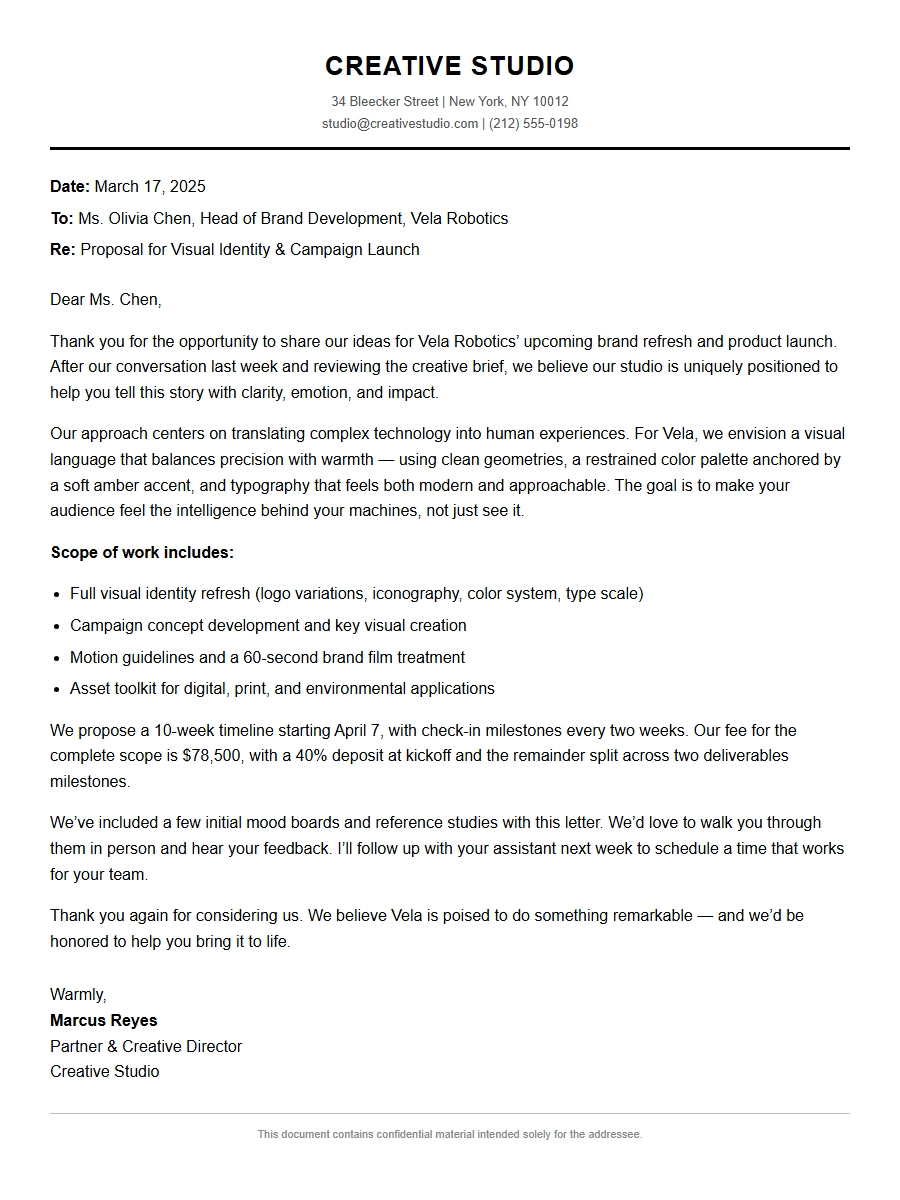 Creative Studio Project Proposal Letter
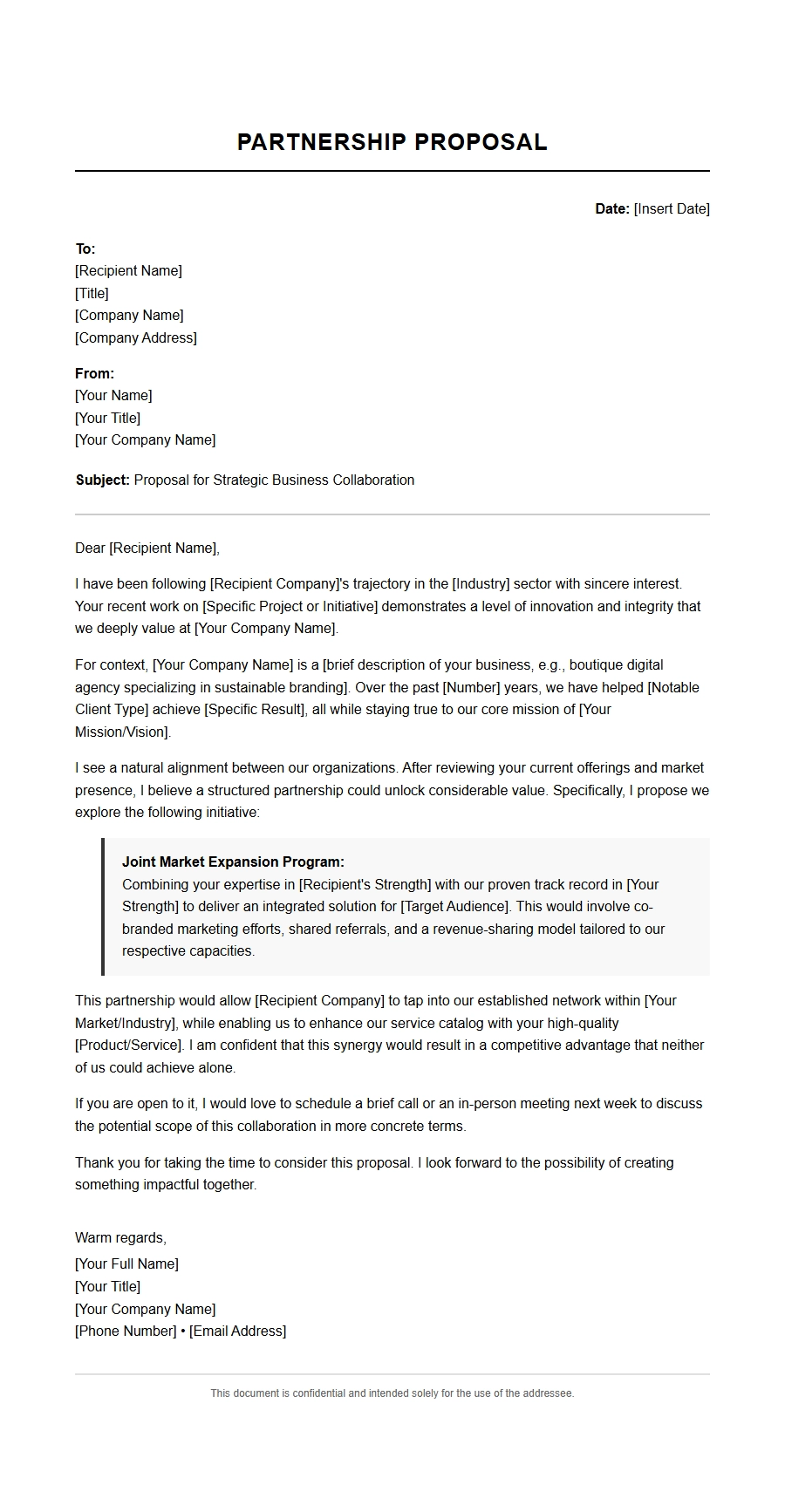 Small Business Partnership Proposal Letter Template
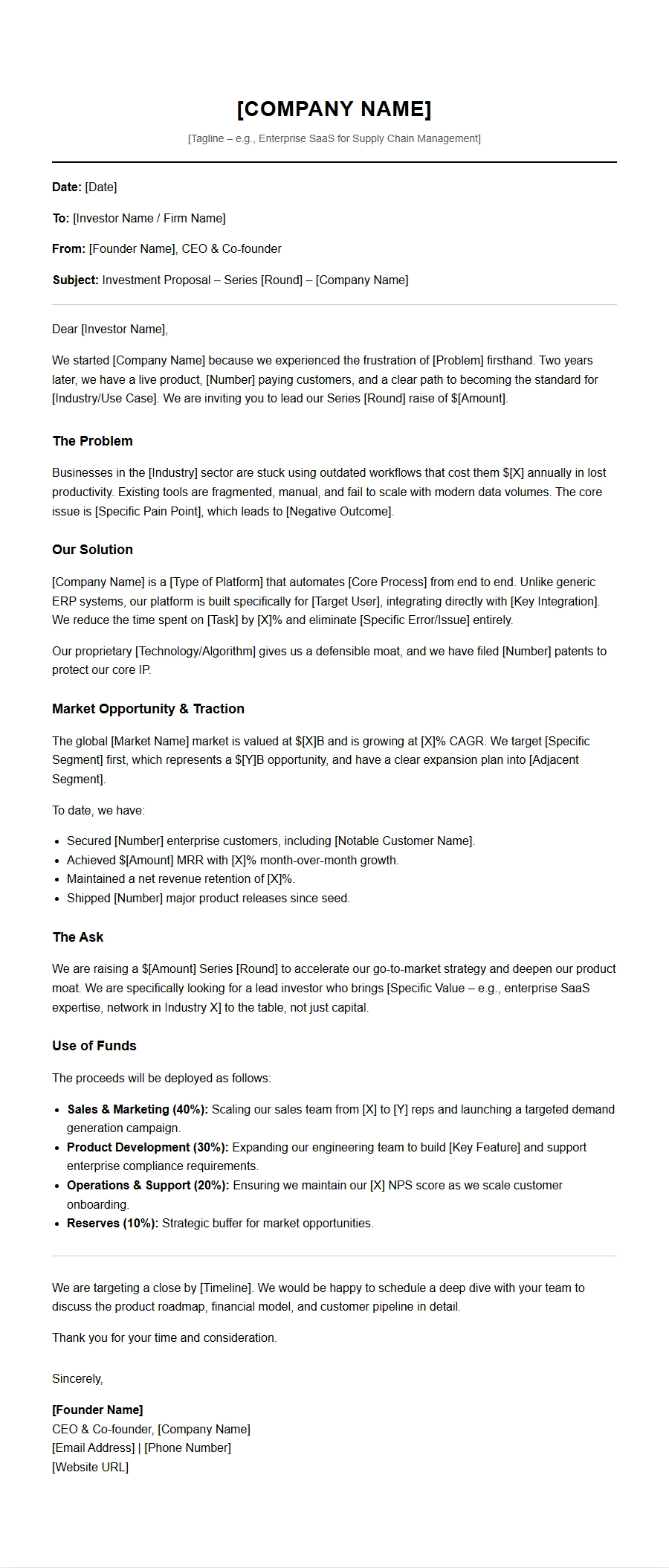 Startup Investment Proposal Letter Template