You're trying to share a critical file with a client. You drag it into the folder, hit send, and get "Permission denied." Now you're stuck typing an email to explain or request access. That blank compose window feels just as paralyzing as a blank page for a formal letter. The right sample email turns that frustration into a clear, professional message in minutes.
Why a sample email is your shortcut, not a shortcut around authenticity
Using an email template for file sharing permission denied doesn't mean you're copying someone else's words. It means you're borrowing a proven structure—the right opening, a polite request, a clear call to action—so you can focus on the specifics of your situation. Think of it as a letter template that gives you a solid foundation, then leaves room for your own voice. Smart professionals use samples all the time, especially when the situation is routine but the stakes are high.
Category: Email Templates & Professional Correspondence
Choose the right sample for your specific denial
Not all permission denials are the same. Maybe you're an employee trying to share a report with a coworker, and the system blocks it because you lack edit rights. Or you're a freelancer sending a deliverable, but the client's server doesn't allow external uploads. A formal business letter format might work for an internal IT request, while a casual tone fits a peer-to-peer ask. Read a few cover letter examples to see how different industries handle tone—then apply the same thinking to your email.
If the denial came from a software bug or a delayed fix, you might later need to send an apology. That's where a structured message like our software bug fix release apology letter can help you acknowledge the issue without sounding defensive.
Adapt the sample without losing your authentic voice
Start with a sample email that matches your situation. Then rewrite it. Change the salutation from "Dear Sir or Madam" to the actual person's name—salutation and closing set the temperature of your message. If you're emailing a colleague, a simple "Hi Sarah" works better than "To Whom It May Concern." If it's a formal request to the IT director, keep the tone respectful but not stiff.
Here's a quick tip: open with the specific problem in the first sentence. Instead of "I am writing to inquire about," say "I'm trying to share the Q3 report via the shared drive but getting a permission denied error." That grabs attention immediately and saves the reader time. Most professional correspondence fails because the writer buries the point. Don't do that.
Common mistakes to avoid
One of the biggest errors is using outdated letter writing etiquette. For example, "Dear Sir" feels old-fashioned and might even come across as lazy. Another mistake is ignoring the format: an email for file sharing should have a clear subject line (e.g., "Permission request: shared drive access for Q3 report"), a concise body, and a polite closing like "Thanks" or "Best regards." If you're sending a printed letter, you'd worry about letterhead design and digital letter format—but for email, keep it simple and scannable.
Don't forget to proofread. A small typo in a permission request can look careless, especially when you're asking someone to take action. Spend two minutes running through a proofreading letter checklist. Read it aloud. Does it sound like you? If it feels too robotic, add a personal detail: "I've attached a preview of the file so you can see why it needs to be shared." That makes the request feel genuine.
Make the email feel both professional and personal
The best emails in business letter format walk a line: they show respect for the recipient's time while sounding human. Avoid corporate jargon like "please advise" or "per our conversation." Instead, be direct: "Can you grant me write access to the folder? I need to upload the final version by Friday." That's clear, polite, and actionable.
If the denial happened because of a system error, you might need to apologize for the follow-up. Check out our funeral arrangement coordination apology letter for an example of how to handle sensitive timing issues—though the context is different, the tone of sincere regret can be adapted to any professional delay.
Similarly, if your permission request is part of a larger membership renewal or service coordination, you can draw from membership renewal fee apology letters to understand how to phrase clarifications without sounding accusatory.
Use the email as a springboard, not a crutch
Once you've written your first permission denied email using a sample, you'll notice the process gets faster. The second time, you won't need the sample. The third time, you'll write it from muscle memory. That's the goal: learn the letter structure and the tone in writing so you can adapt quickly. The sample is training wheels, not a permanent wheelchair.
And if the permission issue turns into a longer delay, consider using a housing maintenance request delay apology letter as a template for formal apologies—it shows you can handle setbacks professionally.
After you send the email, follow up if needed. A quick "Just checking in on the access request" is fine after two business days. Keep it light, keep it human. That's the real secret to effective professional writing.
Examples You Can Adapt
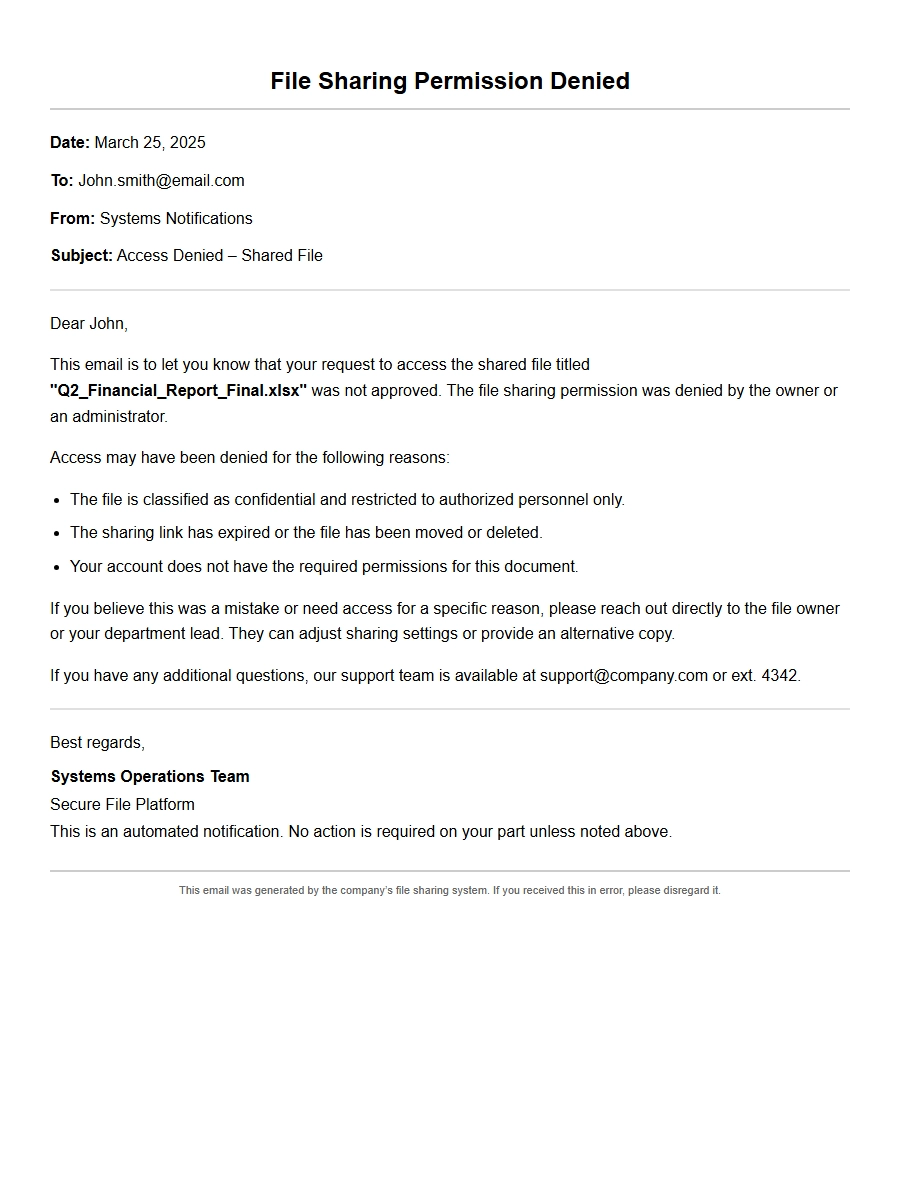
Apology for Denied File Sharing Permission
Apology for Accidentally Revoking File Access
Dear [Recipient Name],
I am writing to sincerely apologize for the inconvenience caused by the denial of your file sharing request. Upon reviewing the situation, I discovered that I inadvertently revoked your access permissions to the shared folder while cleaning up outdated user lists. This was a human error on my part, and I deeply regret the disruption it caused to your workflow.
To resolve this immediately, I have restored your permissions. The file sharing link is now active again. For your reference, here are the restored details:
Item
Details
File Name
Quarterly_Report_2024_Q3.pdf
Shared Folder
Finance Team – Shared
Permission Level
Edit
Link Expiry
No expiry
Please try accessing the file again. If you encounter any further issues, do not hesitate to reach out. I have also implemented a double‑check process to prevent similar mistakes going forward. Thank you for your understanding.
Best regards, [Your Name]
Apology for Denying File Sharing Due to Policy
Dear [Recipient Name],
I regret to inform you that your request to share the file Project_Blueprints_v2.dwg was denied earlier today. Our compliance team flagged the action because the file contains proprietary design elements that require departmental approval before external sharing. I apologize for not communicating this policy clearly upfront.
To move forward, please follow these steps:
Submit a short justification of why the external party needs the file.
Obtain sign‑off from your project manager.
Once approved, I will immediately enable the sharing permission. I understand this may cause a delay, and I am sorry for any frustration. Below is a summary of the request for your records:
Field
Value
Request ID
FS‑2024‑078
File Size
24.6 MB
Recipient Email
partner@example.com
Denial Reason
Policy violation – restricted content
Thank you for your patience. I am working to streamline this process to avoid future delays.
Sincerely, [Your Name]
Apology for Incorrect Permission Settings
Dear [Recipient Name],
I owe you an apology. When you attempted to access the shared file Marketing_Assets.zip this morning, the system denied permission because I had mistakenly set the access level to “View only” for your account while you required “Edit” rights to upload new assets. This was a setup error during the folder creation.
I have now corrected the permissions. Your account now has full edit access to the folder. To confirm, here is the updated permission matrix:
User
Access Level
[Your Name]
Edit
[Manager Name]
Admin
Please verify that you can now upload files. If the issue persists, kindly refresh your browser or sign out and back in. I sincerely regret the lost time and have added a permission checklist for future folder creations. Thank you for flagging the issue.
Warm regards, [Your Name]
Apology for File Sharing Request Rejected by Mistake
Dear [Recipient Name],
I am writing to apologize for the unexpected denial of your file sharing request earlier. Our support team reviewed the log and found that the rejection was triggered by a false positive in our spam filter. The system incorrectly flagged the recipient email address as suspicious.
I have manually overridden the block and re‑sent the share invitation. The following details apply:
File: Budget_Proposal_FY2024.xlsx
Recipient: vendor@globalcorp.com
Permission: Can view
Status: Active now
Additionally, I whitelisted the domain so this does not happen again. I deeply regret the inconvenience and any delay this may have caused in your project timeline. Please let me know if you need any further assistance.
Apologetically, [Your Name]
Apology for Sharing Link Expiry Confusion
Dear [Recipient Name],
I am sorry for the frustration you experienced when the file sharing link for Contract_Draft_2024.docx returned a “permission denied” error. The link had an automatic 24‑hour expiry setting that I failed to communicate. By the time you tried to access it, the link had already expired.
I have generated a new link with a 7‑day expiry period and increased the access to “Can comment” to allow collaboration. Here are the details:
Field
Value
New Link
https://share.example.com/link/abc123
Expiry
7 days from now
Permission
Comment
Please let me know if the new link works. I have also updated our internal guidelines to include expiry warnings in sharing requests. Thank you for your understanding.
Best, [Your Name]
Apology for Denying Access to Confidential File
Dear [Recipient Name],
I need to apologize for the denial notice you received when trying to access Employee_Performance_Data.xlsx. The file is classified as confidential under our data protection policy, and the sharing request was automatically blocked because it was sent to an external domain without prior approval from HR.
I realize this created an awkward situation, especially since you were expecting the data for a report. I have since worked with HR to obtain the necessary clearance, and the file is now shareable with the following conditions:
Access limited to a secure viewer (no download).
Link valid for 48 hours only.
I have re‑sent the share invitation to you. Again, I am sorry for the delay and any confusion. Moving forward, I will pre‑clear any confidential files before sending sharing links.
Regards, [Your Name]
Apology for System Error Preventing File Share
Dear [Recipient Name],
I am writing to apologize for the failed file sharing attempt earlier today. Our system experienced a temporary glitch that caused permission denied errors for all outgoing shares during a 15‑minute window. Unfortunately, your request to share Meeting_Notes_2024-10-01.pdf was caught in this outage.
Our IT team has resolved the issue, and I have successfully re‑shared the file. For transparency, here is the incident timeline:
Time (UTC)
Event
10:15
System glitch started
10:30
IT team notified
10:45
Glitch resolved
11:00
Your file re‑shared
Please confirm receipt of the new link. I deeply regret the disruption and have asked the engineering team to add monitoring to prevent similar outages. Thank you for your patience.
Sincerely, [Your Name]
Apology for Misaddressed File Sharing Permission
Dear [Recipient Name],
I am truly sorry for the confusion caused by the permission denied error you encountered. After investigating, I discovered that I had accidentally typed your colleague’s email address instead of yours when setting up the share for Design_Mockups_v3.sketch. The permission was granted to the wrong person, leaving you locked out.
I have now revoked the mistaken share and created a new one correctly addressed to you. Here is the updated sharing information:
Correct email: [Your Email]
Permission: Can edit
Link: https://share.example.com/link/def456
I realize this wasted your time and I have added a step in my workflow to double‑check recipient addresses before sending. Please accept my sincere apologies. Let me know if you need any further adjustments.
Best regards, [Your Name]
Apology for Denied Permission Due to Storage Limit
Dear [Recipient Name],
I apologize for the “permission denied” message you received when trying to share Logistics_Data_Analysis.csv. The error was actually caused by the storage quota on our shared drive being full, which prevented any new shares from being created. I failed to monitor the usage, and I am sorry for the inconvenience.
I have cleared 5 GB of space by archiving old files, and I re‑enabled the share. Below is the current storage status:
Drive
Used
Total
Shared Team Drive
45 GB
50 GB
Please try sharing the file again. I have also set up a quarterly storage review to avoid this recurrence. Thank you for alerting me to the issue.
With apologies, [Your Name]
Apology for Blocked File Sharing Over Security Concern
Dear [Recipient Name],
I am writing to apologize for the abrupt denial of your file sharing request for System_Logs_export.json. Our security system automatically blocked the share because the file extension suggested it might contain executable scripts, which is against our policy. I understand that this was a false alarm—the file contained only plain text logs.
I have whitelisted the file type and manually authorized the share. The file is now accessible via the link below:
File: System_Logs_export.json
Permission: View only (as per policy)
Link: https://share.example.com/link/ghi789
I am sorry for the delay this caused. I will work with the security team to refine the detection rules so that legitimate files are not blocked in the future. Please let me know if you encounter any other issues.
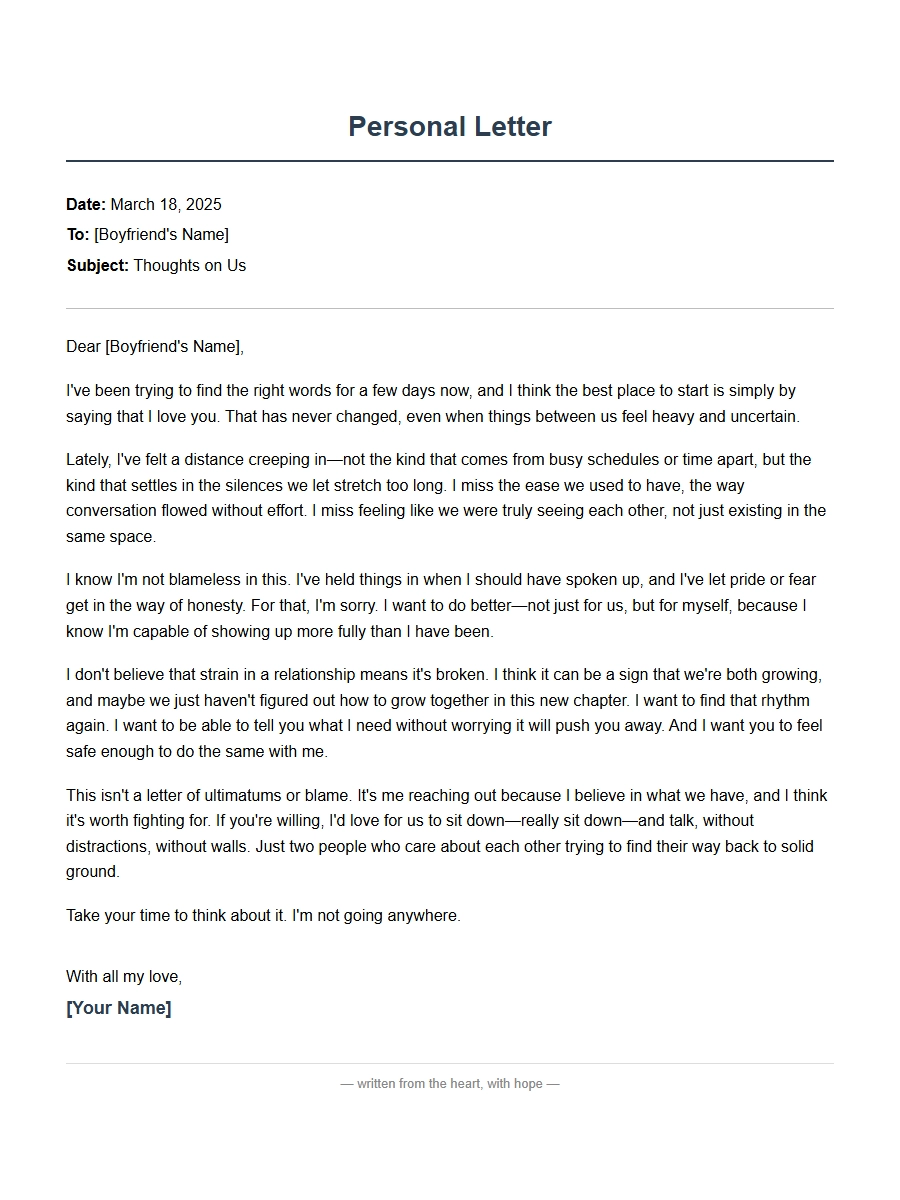 Personal Apology Letter for Boyfriend Relationship Strain
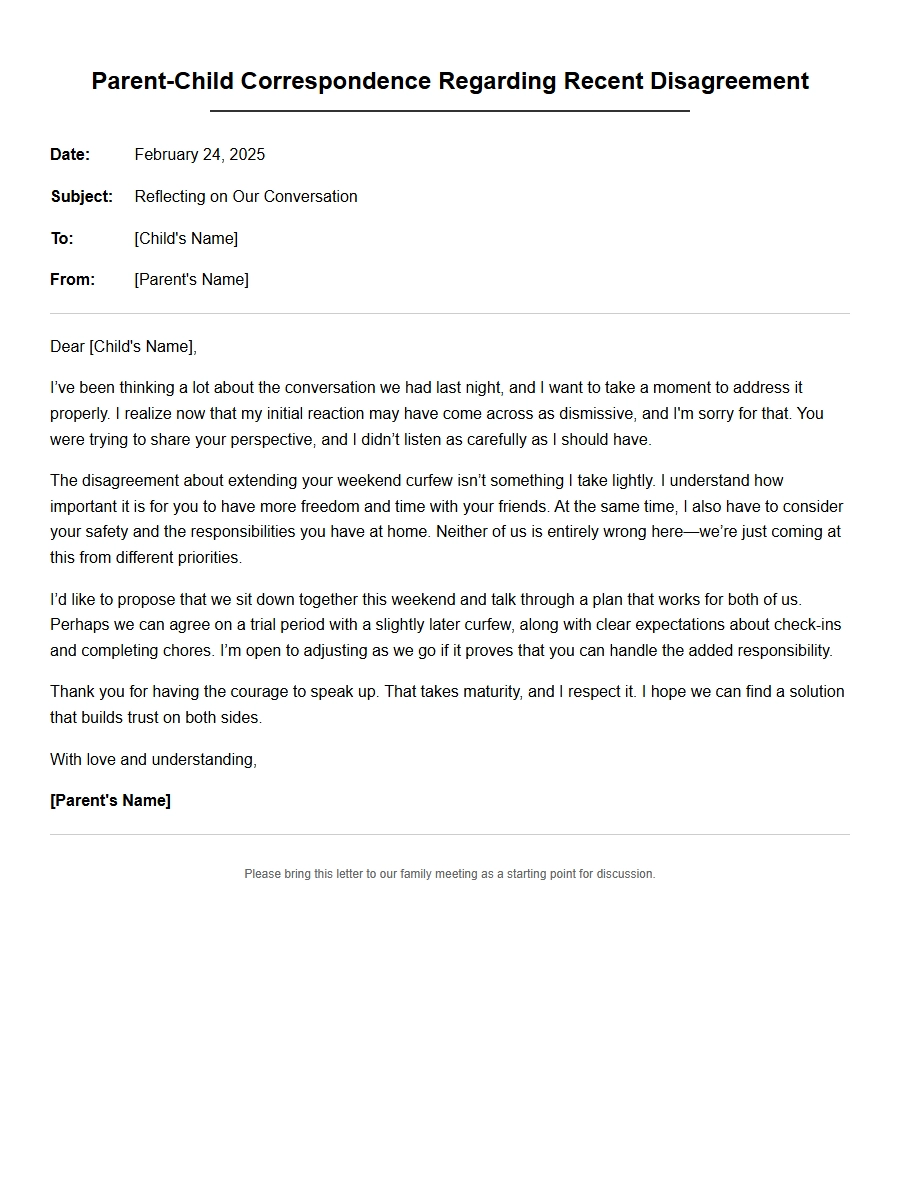 Apology Correspondence for Parent-Child Disagreements
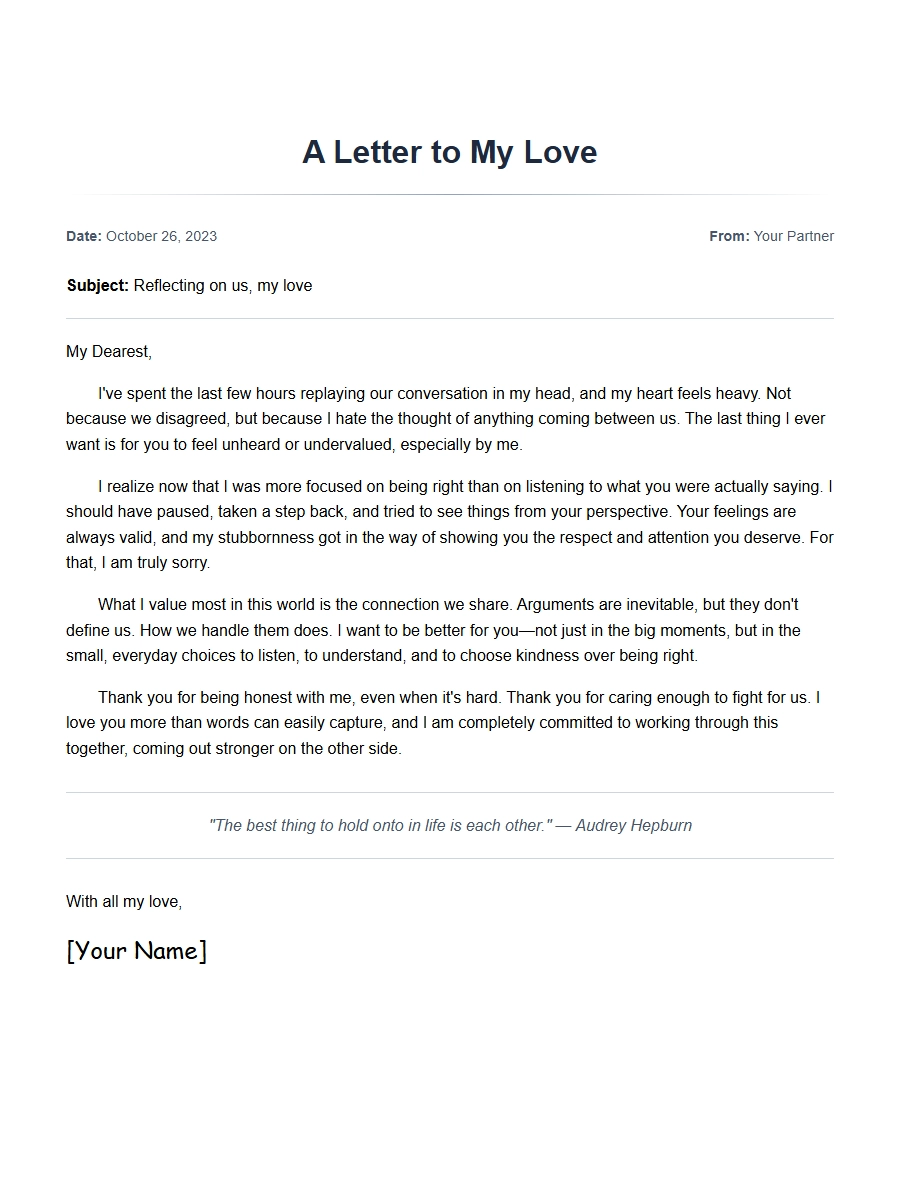 Apology Message for Girlfriend After Argument
 note for friend stealing item - Apology Letters
 Apology to Boss for Micromanagement Complaint
 Apology Document for Vendor Supply Chain Issue